
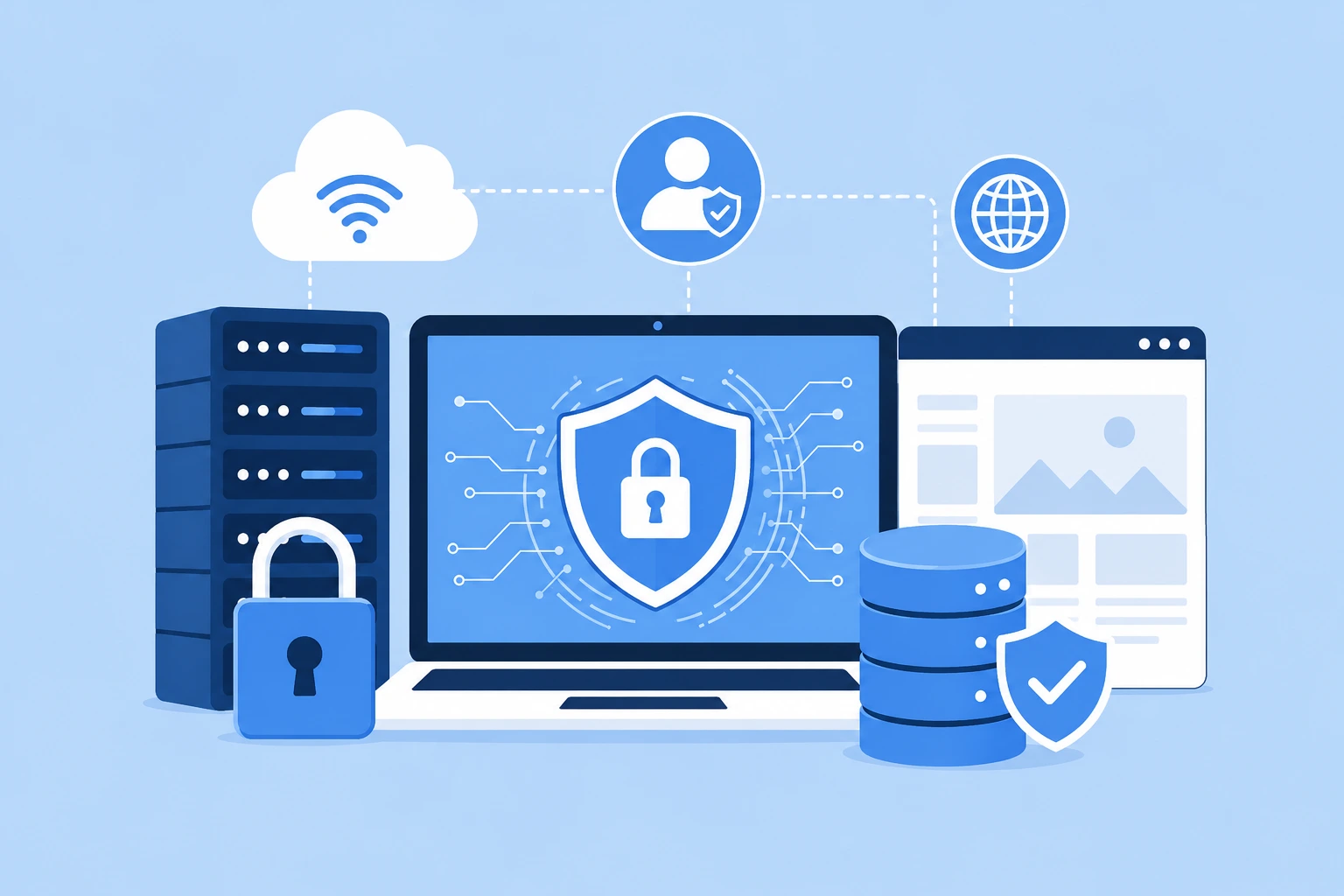
Website security essentials are no longer optional, they are the foundation of trust between your business and the people who buy from you. Every time a customer enters their name, email, or card details on your site, they are trusting you to protect that information. One weak link, an outdated plugin, a forgotten password, or an unpatched server, can undo years of goodwill in a single breach.
The good news is that strong protection does not require a massive budget or a full time IT department. With the right habits and tools in place, even a solopreneur running a small online store can build a website that stands up to modern threats.
This guide walks through the practical steps that make up real website security essentials, why they matter, and how to put them into action without draining your resources.
Why Website Security Essentials Matter for Every Business Today
Hackers do not only target big corporations. Automated bots scan the internet around the clock, looking for outdated software, weak passwords, and unpatched vulnerabilities on any site they can find. Small business websites are frequently targeted precisely because their owners assume they are too small to notice.
A single security incident can mean:
- Lost customer trust that takes months or years to rebuild
- Downtime that directly cuts into revenue
- Legal exposure if customer data protection laws apply to your business
- Search engine penalties or blacklisting if your site starts serving malware
This is why website security essentials should sit at the top of every business owner’s priority list, right alongside marketing and sales. A site that looks great but leaks data is not actually doing its job.
If your website was built without security baked into the architecture, it may be worth having it reviewed by a team that offers professional website development services, since many vulnerabilities trace back to how a site was originally structured.
Building a Website Security Checklist That Actually Works
A website security checklist gives you a repeatable framework instead of a vague sense that “something should be done.” Here is a practical starting point:
- Install an SSL certificate so all data moving between your site and your visitors is encrypted.
- Keep your CMS, plugins, and themes updated since outdated code is the single most common entry point for attackers.
- Use strong, unique passwords for every admin account, ideally managed through a password manager.
- Enable two factor authentication on your hosting account, CMS login, and any connected tools.
- Set up automated backups so you can restore your site quickly if something goes wrong.
- Limit login attempts to stop brute force attacks before they succeed.
- Run regular malware scans to catch problems early, before customers or search engines notice.
- Review user permissions so only people who genuinely need admin access have it.
Working through this website security checklist once a quarter helps you catch small issues before they turn into major incidents.
Our team can implement every item on this checklist for you, from SSL to backups, so nothing slips through the cracks.
Talk to Our TeamSmall Business Website Security: Where to Start on a Budget
Small business website security often gets pushed aside because owners assume proper protection is expensive. In reality, many of the highest impact steps cost little or nothing.
Start with the basics that give you the biggest return:
- Free SSL certificates are widely available through most hosting providers
- Many CMS platforms include built in update notifications, so patching costs only time
- Free security plugins can handle firewall rules, login protection, and basic malware scanning
- Cloud backup tools often include a free tier that covers small sites comfortably
If your site runs on WordPress website development, there is a wide ecosystem of security plugins built specifically to harden the platform against common attack patterns, which makes small business website security far more approachable than most owners expect.
The goal is not to buy every tool available. The goal is to layer a few reliable protections so that even if one fails, others catch the threat.
Website Security Best Practices for Everyday Operations
Beyond the initial setup, website security best practices come down to consistent habits.
Keep software current. Every update you skip is a known vulnerability sitting exposed on your server. Set aside time weekly or monthly to check for and apply updates.
Train your team. Phishing emails remain one of the most common ways attackers gain access to admin credentials. A short internal training session on spotting suspicious emails goes a long way.
Limit who has access. Not every employee needs full admin rights. Assign roles based on actual job requirements and review access periodically.
Monitor your site. Uptime monitoring and security scanning tools can alert you the moment something unusual happens, often before real damage occurs.
Use a web application firewall. This layer filters out malicious traffic before it ever reaches your site, catching many attacks automatically.
Following these website security best practices consistently, rather than treating security as a one time project, is what separates businesses that stay protected from those that eventually get caught off guard.
How to Prevent Website Hacks Before They Happen
Learning how to prevent website hacks starts with understanding the most common attack methods:
- SQL injection, where attackers insert malicious code through form fields to access your database
- Cross site scripting, which injects harmful scripts into pages viewed by other users
- Brute force attacks, where bots try thousands of password combinations until one works
- Outdated plugin exploits, targeting known vulnerabilities in software you have not updated
To prevent website hacks effectively, combine technical safeguards with good habits: keep everything updated, use a firewall, enforce strong passwords, and restrict admin access. None of these steps alone guarantees full protection, but together they close most of the doors attackers rely on.
If you are running an online store, this matters even more. A secure ecommerce website development approach builds these protections into the platform from day one rather than bolting them on afterward.
Website Backup and Recovery: Your Safety Net
No security setup is perfect, which is why website backup and recovery deserves its own place on your priority list. Backups are what stand between a minor incident and a business ending disaster.
A solid backup strategy includes:
- Automated daily or weekly backups, depending on how often your content changes
- Off site storage, so a server failure does not wipe out both your live site and your backup
- Regular restore testing, because a backup you have never tested might not actually work when you need it
- Version history, so you can roll back to a specific point before an issue occurred
Think of website backup and recovery as insurance. You hope you never need it, but when you do, it is the difference between a quick fix and starting over from scratch.
Website Malware Protection: Catching Problems Early
Website malware protection focuses on detecting and removing malicious code before it spreads or gets noticed by search engines. Malware can quietly redirect visitors, steal data, or turn your site into a tool for spreading spam, often without any visible signs at first.
Effective website malware protection includes:
- Scheduled malware scans across your entire file system
- Real time alerts when suspicious files or code changes appear
- A clear removal and recovery plan if an infection is found
- Regular review of your site’s search visibility for warning signs like sudden traffic drops or security warnings in browsers
Catching malware early keeps it from spreading to customer facing pages, protecting both your reputation and your search rankings.
Website Login Security: Locking the Front Door
Website login security is often the simplest fix with the biggest payoff. Most breaches do not involve sophisticated hacking, they involve someone guessing or stealing a password.
Strengthen your login security with:
- Two factor authentication on every admin account
- CAPTCHA on login forms to block automated login attempts
- Login attempt limits that lock out accounts after repeated failures
- Unique passwords for every system, never reused across platforms
- Session timeouts so inactive logged in sessions do not stay open indefinitely
If your team frequently shares logins or reuses passwords across tools, that habit alone may be the biggest risk your website currently carries.
We help small businesses put strong, budget-friendly protection in place without cutting corners.
See Affordable PlansAffordable Website Security for Small Business Owners
Affordable website security for small business owners does not mean cutting corners. It means prioritizing the protections with the highest impact relative to their cost.
A reasonable low cost stack looks like this:
- Free SSL certificate through your hosting provider
- A reputable free or low cost security plugin
- Automated backups included with most hosting plans
- Strong password policies, which cost nothing but discipline
- Two factor authentication, free on nearly every platform that offers it
This approach proves that low cost website security solutions can still deliver strong protection when applied consistently. The businesses that struggle are usually not the ones with small budgets, they are the ones with no plan at all.
If you want a second opinion on how your current setup measures up, our team can review your site alongside our custom web development services and flag gaps before they become real problems.
Bringing It All Together
Website security essentials are not a single product you buy once. They are an ongoing combination of smart defaults, consistent habits, and the right layered tools. A small business that treats security as routine maintenance, rather than an afterthought, avoids the costly scramble that follows a breach.
Whether you are just getting started or reassessing an existing site, revisiting your website security checklist regularly, keeping small business website security affordable through smart prioritization, and staying current on website security best practices will keep both your business and your customers protected.
If your website could use a professional security review or a full rebuild with protection built in from the start, feel free to reach out to our team and we will walk you through your options.
For future reading, we recommend covering topics like SSL Certificate Setup Guide for Beginners and GDPR Compliance Basics for Small Business Websites as natural next steps in building out a complete content library around data protection.
Let's review your website together and put a real security plan in place, no jargon, no upsells you don't need.
Book a Free Consultation






 +91-7982030802
  +1(315) 585-1155