
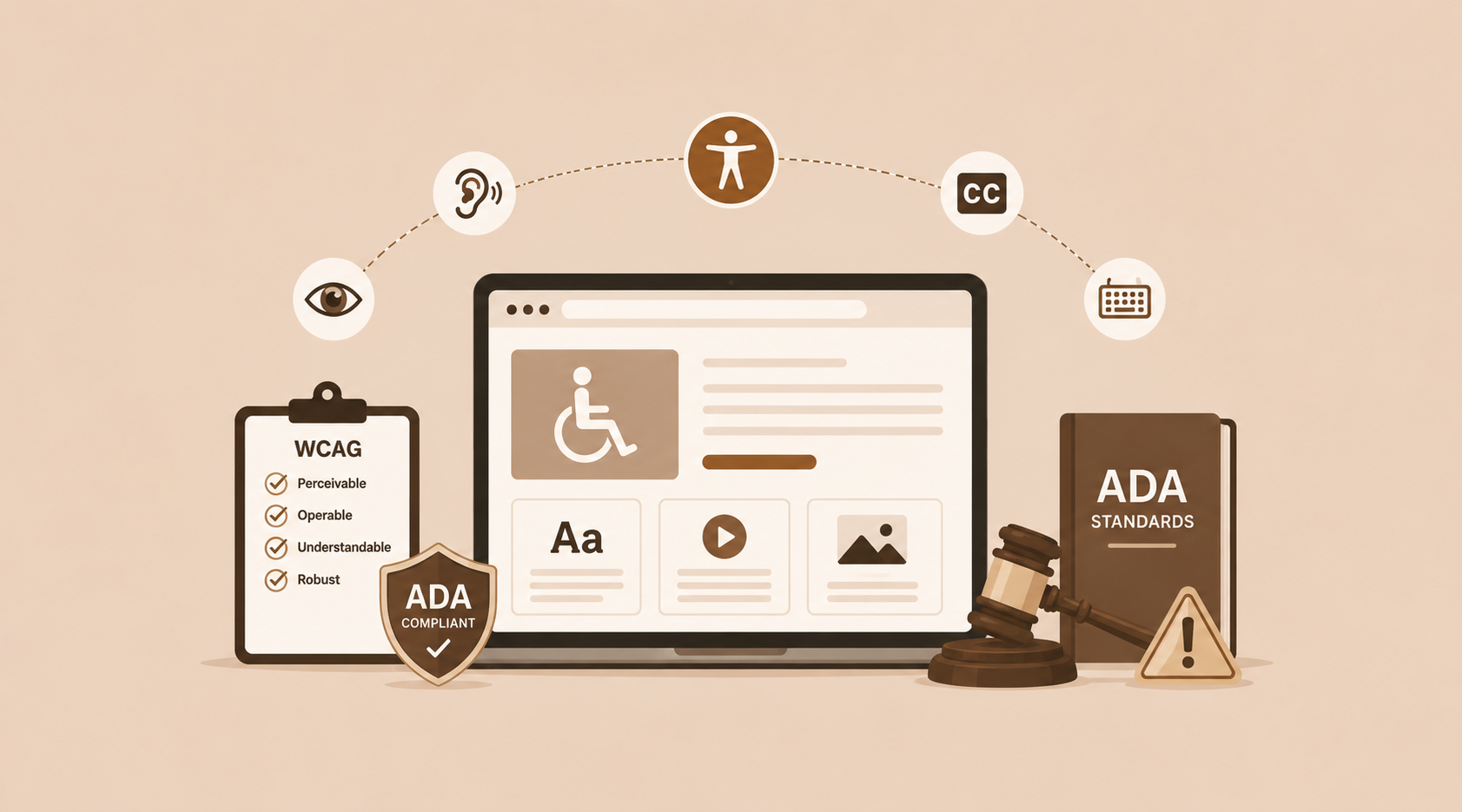
If you run a business website in the United States, ADA website compliance is no longer something you can put off. Thousands of small and mid-sized businesses get hit with demand letters and lawsuits every year, often because their website simply wasn’t built with accessibility in mind. In this guide, we’ll walk through what ADA website compliance actually means, what WCAG 2.1 AA requires, and the practical steps you can take right now to protect your business.
What Is ADA Website Compliance?
The Americans with Disabilities Act (ADA) became law in 1990, banning discrimination against people with disabilities in public spaces. Courts have gradually extended that same principle to the digital world, treating business websites as “places of public accommodation” under ADA Title III website rules. In practical terms, your website needs to work for people who rely on screen readers, keyboard navigation, voice control, or other assistive technology.
Getting to ADA website compliance isn’t really about ticking off a government checklist somewhere. It’s about making sure real people, regardless of ability, can browse your site, read your content, and get things done, whether that’s filling out a form or making a purchase.
Why ADA Website Compliance Matters in 2026
Web accessibility lawsuits have been climbing steadily for nearly a decade, and 2026 hasn’t slowed that trend down. Retail, restaurant, healthcare, and professional services sites remain frequent targets because they tend to combine high traffic with a handful of common accessibility gaps: missing alt text, unlabeled forms, poor color contrast, and keyboard traps.
A few reasons this matters more than ever right now:
- Plaintiffs’ law firms actively scan websites using automated accessibility tools before sending demand letters.
- Courts have consistently ruled that the ADA applies to websites, even ones without a physical storefront tied to them.
- Search engines increasingly reward accessible, well-structured sites, so website accessibility compliance now overlaps quite a bit with SEO performance.
- Customers with disabilities represent real, significant spending power that businesses lose out on with an inaccessible site.
If your business serves U.S. customers online, ignoring ADA website compliance is a growing legal and financial risk, and it’s not a theoretical one at this point.
Understanding WCAG 2.1 AA Requirements for Websites
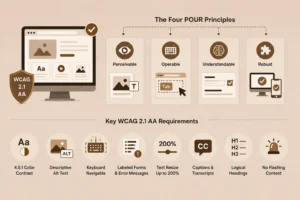
There isn’t a separate “ADA web code” written somewhere. Instead, courts and regulators point to the Web Content Accessibility Guidelines (WCAG), currently at version 2.1, Level AA, as the practical standard for an ADA compliant website. Meeting WCAG 2.1 AA compliance is widely considered the safest benchmark for legal defensibility today.
The Four POUR Principles
WCAG is built around four core principles, often remembered by the acronym POUR:
- Perceivable – Content needs to be presentable in ways users can actually perceive, such as text alternatives for images and captions for video.
- Operable – All functionality should work through the keyboard alone, with no time limits that trap users partway through a task.
- Understandable – Text should read clearly, and forms and navigation should behave the way users expect.
- Robust – Content needs to work reliably across browsers, devices, and assistive technologies.
Some of the more common WCAG 2.1 AA requirements for websites include:
- A minimum 4.5:1 color contrast ratio for normal text
- Descriptive alt text on all meaningful images
- Full keyboard navigability, including visible focus indicators
- Properly labeled form fields and error messages
- Text that can resize up to 200% without breaking the layout
- Captions and transcripts for video and audio content
- A logical heading structure (H1, H2, H3) that screen readers can follow
- No content that flashes more than three times per second
Is My Website ADA Compliant? How to Check
A question we hear a lot from business owners is simple: “is my website ADA compliant?” Here’s a reasonable way to find out:
- Run an automated scan: These tools typically catch somewhere around 30 to 40 percent of accessibility issues, things like missing alt text or contrast problems.
- Test keyboard-only navigation: Unplug your mouse for a few minutes and try browsing your entire site, menus, forms, and pop-ups included.
- Try a screen reader: Free tools like NVDA on Windows or VoiceOver on Mac will show you how your content actually gets announced to a user.
- Check your forms: Every input field should have a visible label that’s properly linked in the code.
- Review your color palette: Run your text and background colors through a contrast checker.
- Get a manual audit: Automated tools miss a lot of context-dependent issues that only show up in a human accessibility review.
Since automated tools alone won’t give you the full picture, most businesses end up bringing in a professional team for a combined technical and manual review. That’s something our team at BinaryMetrix regularly handles as part of website development engagements.
ADA Website Compliance Checklist
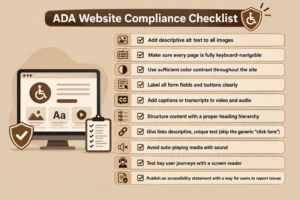
Here’s a starting point for an ADA website compliance checklist before you go into a deeper audit:
- Add descriptive alt text to all images
- Make sure every page is fully keyboard-navigable
- Use sufficient color contrast throughout the site
- Label all form fields and buttons clearly
- Add captions or transcripts to video and audio
- Structure content with a proper heading hierarchy
- Give links descriptive, unique text (skip the generic “click here”)
- Avoid auto-playing media with sound
- Test key user journeys with a screen reader
- Publish an accessibility statement with a way for users to report issues
How to Make a Website ADA Compliant
If you’re trying to figure out how to make a website ADA compliant, the process usually breaks down into five stages.
- Audit your current site: Combine automated scanning with manual testing to build a full list of issues, ranked by severity.
- Fix code-level and content issues: This covers semantic HTML, ARIA labels where they make sense, alt text, and a proper heading structure.
- Redesign problem areas: Sometimes accessibility issues are baked right into the design itself: low-contrast branding colors, icon-only buttons, or overly complex menus. This is where working with a team that understands both UI/UX and accessibility standards really pays off. Our UI/UX design team builds interfaces that stay visually distinct while being accessible from the ground up.
- Test with real users when you can: Automated and manual audits go a long way, but feedback from actual assistive-technology users adds something those methods can’t fully replicate.
- Maintain compliance going forward: Accessibility isn’t something you fix once and forget. Every new page, blog post, or feature can introduce new issues, which is why a lot of businesses invest in ongoing website maintenance to keep pace with new content and evolving standards.
If your site runs on WordPress, accessibility fixes often need attention at both the theme and plugin level, worth keeping in mind if you’re working with a WordPress website build.
We handle the audit, the fixes, and the WCAG 2.1 AA compliance.
Talk to Our TeamADA Website Compliance Cost
ADA website compliance cost depends a lot on your site’s size, platform, and how far it currently sits from WCAG 2.1 AA. As a rough range:
- A basic accessibility audit for a small business site usually starts in the low hundreds of dollars.
- Remediation for a small to mid-sized site, meaning actually fixing what the audit finds, commonly falls in the low to mid thousands, depending on how much custom code and design rework is needed.
- Larger e-commerce or enterprise sites with complex functionality can run considerably higher, since features like checkout flows, filters, and interactive tools each need their own testing.
It’s worth weighing this cost against the alternative. Settling an ADA demand letter or lawsuit is almost always more expensive than proactive remediation, on top of legal fees and any reputational damage.
What Happens If Your Website Is Not ADA Compliant
So what actually happens if your website is not ADA compliant? A few realistic outcomes:
- Demand letters: Most cases start with a letter from a law firm alleging violations and asking for a settlement to avoid litigation.
- Lawsuits: If a settlement doesn’t happen, the case can move to federal or state court, which becomes public record and can affect your brand’s reputation.
- Legal costs: Even if you’re not found liable, legal defense fees add up fast.
- Lost customers: Beyond the legal risk, an inaccessible website simply turns away visitors who can’t use it, a direct hit to conversions and revenue.
- SEO impact: Many accessibility fixes, like alt text, heading structure, and descriptive links, also improve search visibility, so skipping them has a compounding cost over time.
Proactive compliance costs far less than a lawsuit.
Request a Free ConsultationADA Compliance Lawsuits and Small Businesses
There’s a persistent myth that only large corporations get targeted. In reality, an ADA compliance lawsuit small business case is extremely common. Small businesses are often seen as easier, faster settlements than large enterprises with in-house legal teams. Restaurants, local service providers, and small e-commerce shops get named in these suits all the time, usually without much warning.
The takeaway here: your business size doesn’t determine your legal exposure. Your website’s accessibility does.
Best Practices to Stay Compliant Long-Term
Treat ADA website compliance as an ongoing habit rather than a one-time project.
- Re-audit your site whenever you launch new pages, redesign sections, or add new features
- Train your content team on accessible writing habits, like descriptive links, proper heading order, and alt text
- Choose accessible templates and components for future builds
- Keep an internal accessibility statement and a log of fixes
- Test periodically with assistive technology, not just automated tools
For businesses without the in-house resources to manage this continuously, pairing accessibility upkeep with a broader website maintenance package tends to be the most practical long-term solution.
Looking further ahead, it’s worth keeping an eye on WCAG 2.2 adoption and how it changes AA requirements, along with accessibility considerations for mobile apps, since regulatory attention keeps expanding beyond just desktop websites.
Final Thoughts
ADA website compliance isn’t a niche legal issue anymore. It’s become a standard part of running a credible, risk-aware business online in 2026. Meeting WCAG 2.1 AA compliance protects you from costly lawsuits, and just as importantly, it opens your website up to more customers while often improving your search rankings along the way.
If you’re unsure where your site currently stands, our team can run a full accessibility audit and handle remediation as part of our web development services. Get in touch to start with a free consultation.









 +91-7982030802
  +1(315) 585-1155