

Ask ten developers “what’s the SwiftUI app development cost for my idea?” and you’ll get ten different numbers. That’s not because anyone’s guessing. It’s because the question itself is incomplete. An app that syncs a to-do list across devices and an app that streams live video, processes payments, and talks to five backend services are both “iOS apps,” but they don’t belong in the same cost conversation.
SwiftUI has changed the economics of iOS development in a real way. Apple’s declarative framework lets developers write less code to build the same UI, reuse components across iPhone, iPad, and Mac targets, and iterate faster with live previews. That efficiency does bring the cost to develop an iOS app with SwiftUI down compared to older UIKit-based workflows, but “cheaper than before” still spans a wide range depending on what you’re actually building.
For a founder writing a pitch deck or a business owner setting an internal budget, that range is the real problem. Without knowing which cost drivers apply to your specific app, you’re either budgeting blind or trusting a number pulled from a generic online calculator. This guide breaks down exactly what determines SwiftUI app development cost, what realistic numbers look like for different app types, and where the money actually goes, before, during, and after launch. If you’d rather skip the research and get a number specific to your app, our iOS app development team can scope it for you directly.
Key Factors That Determine SwiftUI App Development Cost
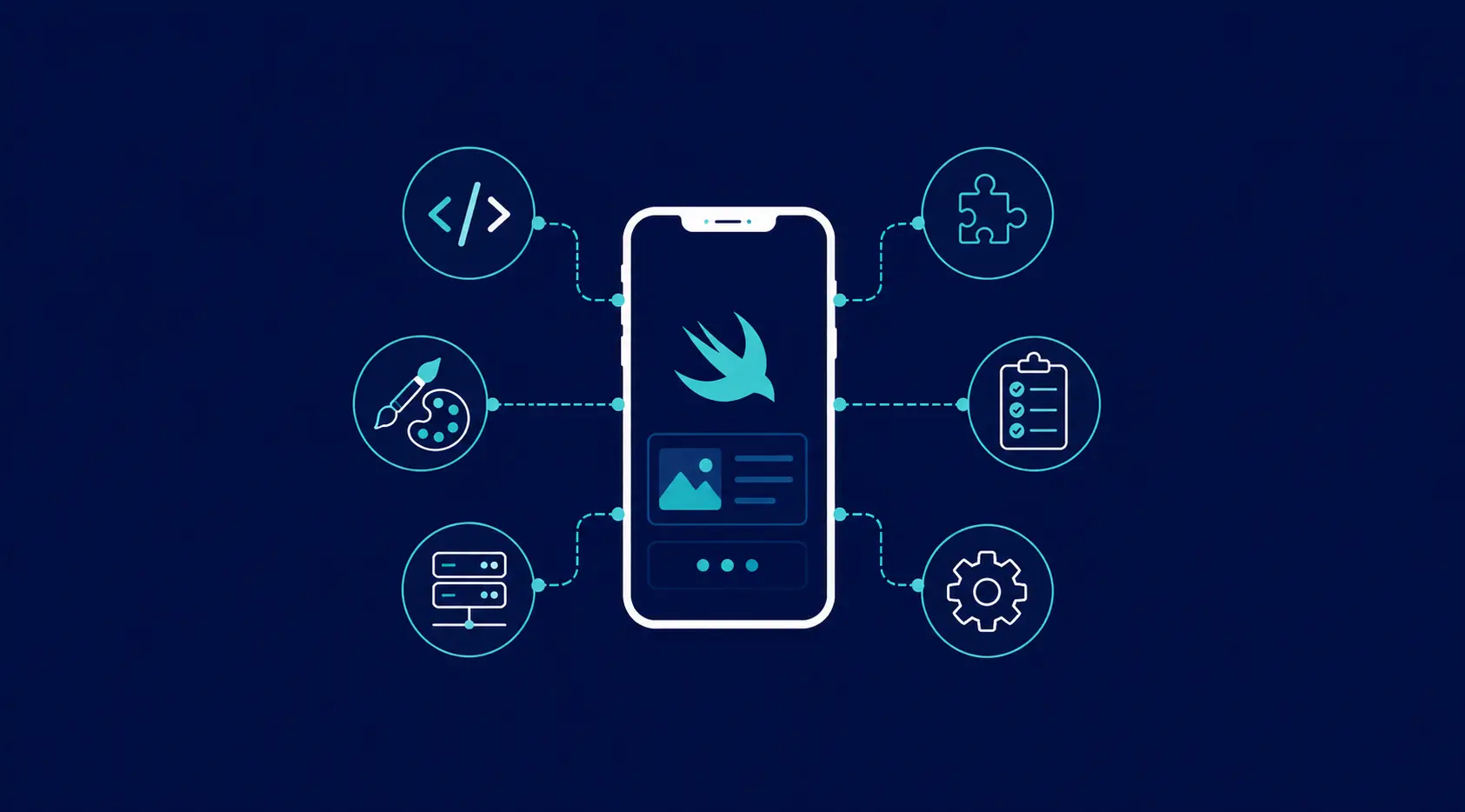
Before any number means anything, it helps to understand what’s actually driving it. Seven factors do most of the work.
1. App Complexity
This is the single biggest lever. A single-screen utility app with local storage costs a fraction of what a multi-role marketplace app with real-time messaging costs. Complexity isn’t just “more screens.” It’s how many states each screen can be in, how much logic sits behind each interaction, and how many edge cases need handling.
2. Feature Set
Every feature you add, push notifications, in-app purchases, offline mode, geolocation, social login, chat, video calls, adds development, testing, and long-term maintenance time. Features that touch third-party SDKs or require Apple approvals (like HealthKit or ARKit) tend to add more time than they look like they should on paper. Our mobile app development team can help you map which features are essential for launch versus which can wait for a later phase.
3. UI/UX Design
SwiftUI rewards clean, well-structured design systems, but building that system, wireframes, high-fidelity mockups, animations, accessibility passes, dark mode support, is its own line item. A templated interface costs less than a fully custom, brand-driven design language. See how our UI/UX design process shapes both the look and the budget of an app.
4. Backend and API Integration
Very few apps today are truly standalone. Most need a backend for user accounts, data storage, or business logic, whether that’s a custom-built server, Firebase, or a headless CMS. If your app needs to talk to existing systems (a CRM, a payment gateway, internal APIs), that integration work is often underestimated in early budgets.
5. Testing and QA
SwiftUI’s live preview speeds up UI testing, but functional testing, device testing across iPhone/iPad models, and regression testing before each release still take real hours. Skipping this stage is how apps end up with expensive post-launch bug fixes.
6. Maintenance and Updates
Cost doesn’t stop at launch. iOS updates, new device sizes, App Store policy changes, and bug reports all require ongoing developer time. Any credible SwiftUI app development cost estimate should account for at least the first 6 to 12 months after release. Our website and app maintenance packages outline what ongoing support typically includes.
7. Team Structure and Experience Level
Who builds your app matters as much as what they build. A senior SwiftUI developer who has shipped several App Store apps will make fewer costly architectural mistakes than someone learning the framework on the job, even if their hourly rate looks higher on paper. The same applies to project management: a team with a dedicated QA process and a structured release pipeline tends to spend less overall than one that treats testing as an afterthought, because rework after launch is almost always more expensive than getting it right the first time.
Average SwiftUI App Development Cost by App Type

So, how much does it cost to build a SwiftUI app in practice? The honest answer depends on where your app falls on the complexity spectrum. Here’s a realistic breakdown based on typical project scopes for the US market.
Simple Apps
Single-purpose apps with minimal backend needs, think habit trackers, calculators, or basic content viewers.
| Component | Details |
|---|---|
| Core features | 3 to 5 screens, local data storage, no/minimal backend |
| Design | Standard UI components, light customization |
| Timeline | 4 to 6 weeks |
| Typical cost | $8,000 to $15,000 |
Medium-Complexity Apps
Apps with user accounts, a real backend, and a handful of integrated services, booking apps, fitness apps, social content apps.
| Component | Details |
|---|---|
| Core features | User auth, backend/API integration, push notifications, in-app purchases |
| Design | Custom UI system, animations, dark mode |
| Timeline | 3 to 5 months |
| Typical cost | $25,000 to $60,000 |
Complex Apps
Multi-role platforms with real-time features, payments, and heavy backend logic, marketplaces, fintech apps, on-demand service platforms.
| Component | Details |
|---|---|
| Core features | Real-time data/chat, payment gateway, multi-user roles, advanced security |
| Design | Fully custom design system, complex animations, accessibility compliance |
| Timeline | 6 to 12 months |
| Typical cost | $70,000 to $150,000+ |
These figures reflect a single, realistic development scope per tier rather than a wide speculative range. Actual SwiftUI app development cost within each tier still shifts based on the specific feature list you lock in during scoping. Browse our portfolio to see how these tiers translate into shipped products.
What a SwiftUI Developer Hourly Rate Covers
Because most SwiftUI projects are billed on a time basis at some stage, the SwiftUI developer hourly rate you’re paying has a direct effect on total cost, often more than the feature list itself. In the US market, experienced SwiftUI developers typically bill between $80 and $150 per hour, with the rate reflecting seniority, App Store track record, and how much of the architecture and QA process is bundled into that rate rather than billed separately.
A lower hourly number isn’t automatically a better deal. What actually matters for your budget is output per dollar: how many billable hours it takes a given developer or team to reach a working, tested, App Store-ready build. A senior developer at a higher rate who avoids rework will often cost less overall than a cheaper developer who needs three passes to get the architecture right. If you’re weighing options, our hire developers page breaks down engagement models so you can compare apples to apples.
Hidden and Ongoing Costs Founders Often Miss
The build itself is only part of the SwiftUI app development cost. A few recurring costs catch first-time app owners off guard:
- Apple Developer Program fee: $99/year, required to publish and update your app.
- App Store review cycles: rejections and resubmissions can add days to each release if compliance isn’t planned for upfront.
- Backend/server hosting: ongoing cost that scales with your user base (Firebase, AWS, or custom infrastructure).
- Third-party API/SDK costs: payment gateways, analytics tools, and messaging SDKs often carry their own usage-based pricing.
- OS update compatibility: Apple’s annual iOS releases occasionally require UI or API adjustments to stay compliant.
- Bug fixes and minor updates: even a stable app typically needs 5 to 10 hours of maintenance per month post-launch.
Budgeting 15 to 20% of your initial build cost annually for maintenance is a realistic baseline for most apps. It’s worth building these numbers into your original SwiftUI app development cost estimate rather than treating them as a surprise later. Founders who plan for year-one maintenance upfront tend to avoid the scramble that happens when an app breaks after an iOS update and there’s no budget line item to fix it.
How to Reduce SwiftUI App Development Cost Without Cutting Corners
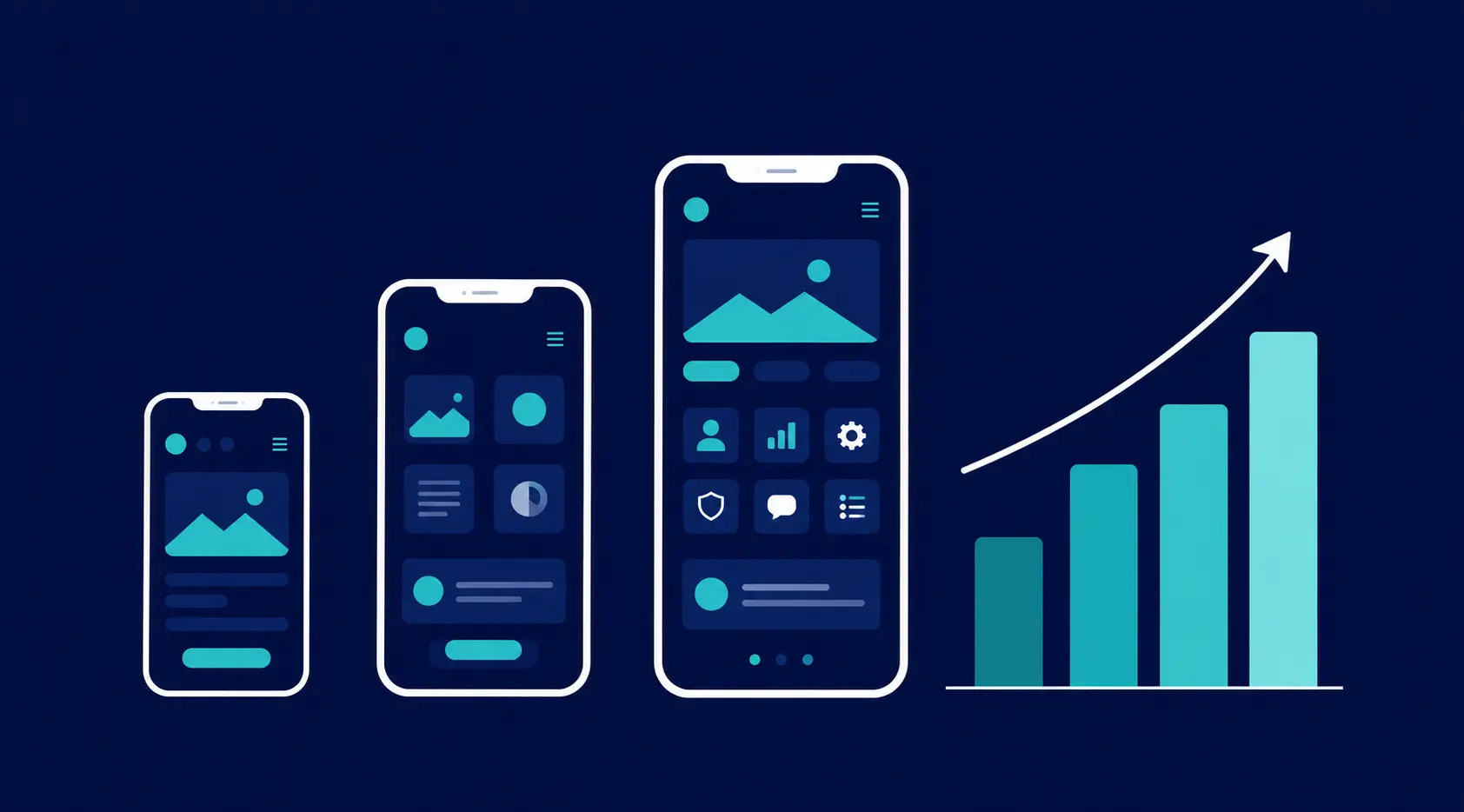
Lowering cost doesn’t have to mean lowering quality. A few approaches consistently work:
Start With an MVP
Build the core feature set first, validate it with real users, and add secondary features in later phases. This alone is the single biggest cost-reduction lever available.
Use SwiftUI’s Native Efficiency
SwiftUI’s declarative syntax and cross-platform code sharing (iPhone, iPad, Mac) reduce development time compared to building separate UIKit layouts. Use that efficiency instead of over-customizing every screen.
Prioritize Ruthlessly
Not every feature needs to ship on day one. Rank features by user impact and defer anything that isn’t core to your value proposition.
Choose the Right Development Partner
Hourly rate matters, but so does how efficiently a team works. A team experienced specifically in SwiftUI will avoid costly rework that comes from learning the framework on your project’s budget. Our mobile app design and development process is built to prevent exactly that kind of rework.
Plan Backend Needs Early
Retrofitting a backend after the UI is built is more expensive than designing both together from the start. Lock in your data model and API structure before development begins.
Conclusion: Getting a Number You Can Actually Plan Around
SwiftUI app development cost isn’t a single figure. It’s a function of complexity, features, design ambition, and backend needs. A simple app might cost under $15,000; a complex, multi-role platform can run well past $100,000. What matters is matching your budget to an honest scope, not an average pulled from a generic table.
The fastest way to get a number you can actually plan around is to have your specific app scoped by a team that builds SwiftUI apps every day. At BinaryMetrix, we scope, quote, and build iOS apps end-to-end, so you know exactly what you’re paying for before development starts.









 +91-7982030802
  +1(315) 585-1155