
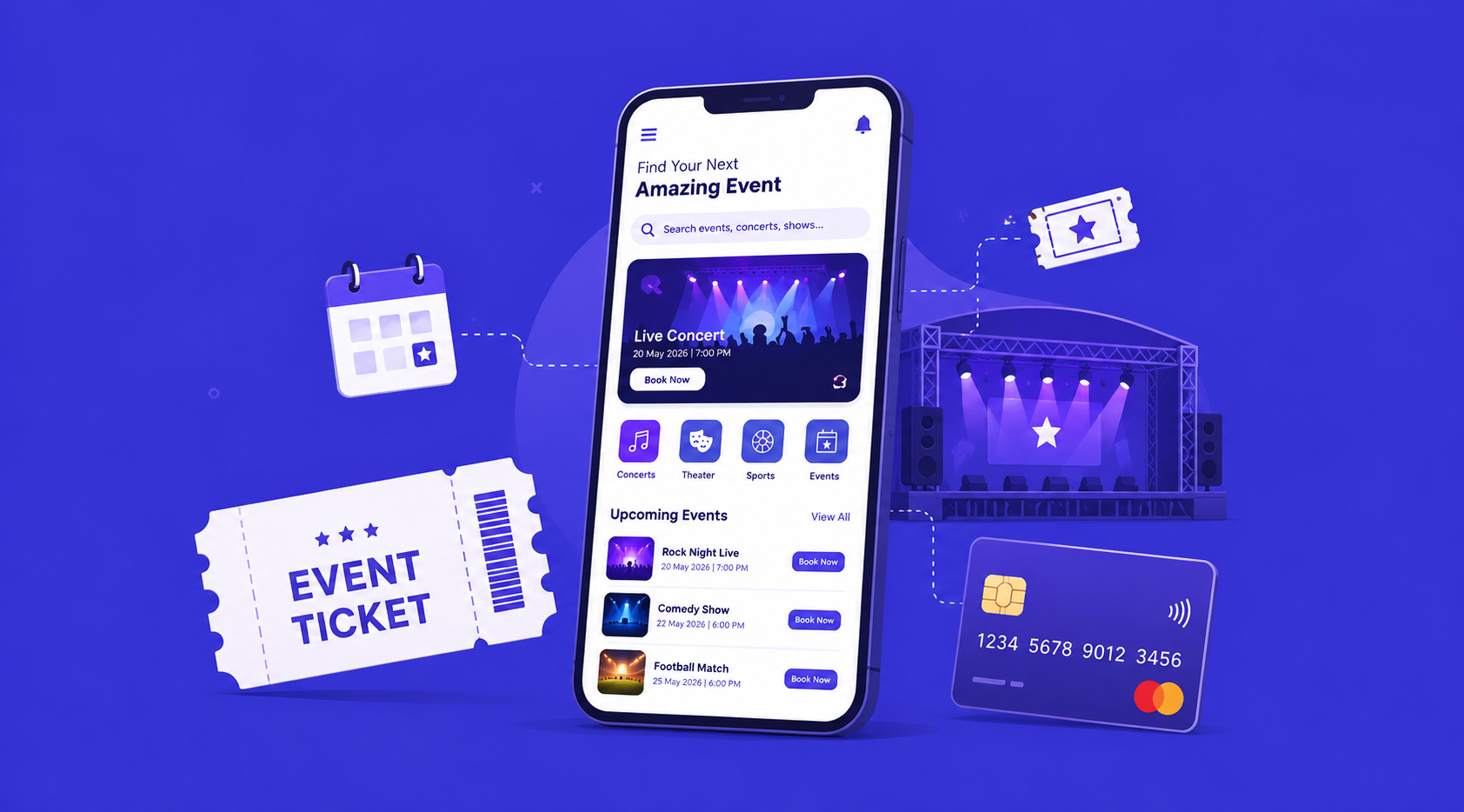
Ever scrambled to grab a concert ticket at the last second? Or watched a local meetup sell out because sign-ups were stuck on some clunky spreadsheet? If so, you already know why the events industry needed better software. Attendees want a few taps and a confirmed seat. Organizers want one dashboard showing ticket sales, check-ins, and revenue, not fifteen browser tabs open at once. That gap between what people expect and what most events still deliver is exactly what event booking app development is meant to close.
Maybe you’re running a ticketing startup, managing a venue, or organizing conferences and festivals for a living. Either way, this guide walks through what actually goes into building a ticketing platform: the features attendees expect, what organizers need behind the scenes, a realistic cost breakdown, and the process a development team follows from idea to launch.
What Is an Event Ticket Booking App?
At its core, it’s software that lets people browse events, buy tickets, and get in the door, while giving organizers the tools to create listings, manage capacity, and collect payments. But here’s the thing: a modern event management platform is rarely just a storefront. It usually connects three groups at once, attendees browsing and buying, organizers managing listings and reports, and on-site staff scanning tickets at entry.
Think of it as the digital backbone for anything from a 50-person workshop to a multi-day festival with tens of thousands of attendees. Concerts, sports, conferences, community meetups, it doesn’t really matter. The underlying mechanics of a ticketing engine stay largely the same, even when the branding and audience change completely.
Why Businesses Need Event Booking App Development in 2026
Live events in the US have bounced back strongly, and audiences now expect the same convenience they get from ordering food or booking a ride. Nobody wants to stand in a box office line anymore. Phone-based booking and paper tickets create bottlenecks, long lines, and lost revenue from no-shows that never get resold. A well-built app clears most of that friction out of the way.
For organizers, event management software also solves a data problem worth taking seriously. Instead of guessing which marketing channel drove ticket sales, or manually reconciling a spreadsheet after the show wraps up, organizers get real-time dashboards showing revenue, attendance trends, and refund requests in one place. That visibility, honestly, is often the real reason a growing events business decides to invest in event booking app development instead of sticking with generic form tools that were never built for this.
There’s also a growing group of independent organizers, everyone from yoga studios to niche conference hosts, who’d rather have their own branded event ticketing software than keep paying steep fees to third-party marketplaces. Owning the platform means owning the customer relationship, the data, and the margin.
Must-Have Features for Event Booking App Development
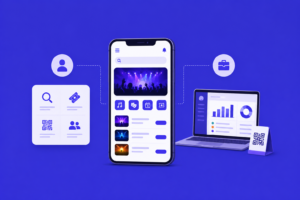
Here’s something worth remembering: a successful event booking app development project depends less on a long feature list and more on how well those features match real attendee and organizer behavior. Piling on features nobody uses just slows everything down. With that in mind, here’s what tends to matter most.
Features for Attendees
- Event browsing and search with filters for category, date, location, and price
- Seat selection or general admission booking, depending on the venue type
- Secure checkout supporting cards, digital wallets, and saved payment methods
- Digital tickets with QR codes that work offline at the entrance
- Push notifications for reminders, schedule changes, and last-minute updates
- Group bookings so attendees can buy multiple tickets and share details with friends
- Wishlist and calendar sync to keep track of upcoming events
- In-app support and refund requests for cancellations or event changes
Features for Event Organizers
- Event creation tools with customizable ticket tiers, early-bird pricing, and promo codes
- Real-time sales dashboard showing revenue, ticket types sold, and traffic sources
- Attendee management including guest lists, check-in status, and communication tools
- QR code scanning for entry, ideally working across multiple devices and gates at once
- Automated payouts so organizers receive funds on a predictable schedule
- Waitlist management for sold-out events, with automatic notification when tickets free up
Advanced Features to Stand Out
- Dynamic pricing that adjusts ticket costs based on demand or remaining inventory
- Integrated marketing tools like email campaigns and social sharing incentives
- Multi-event and season pass support for venues running recurring programming
- Live event streaming or hybrid access for attendees who can’t make it in person
- Analytics and reporting exports for organizers who need data outside the app
None of this has to be built from scratch every single time, by the way. A capable mobile app development partner will usually have reusable modules for payments, notifications, and QR ticketing that speed things up without cutting corners on quality.
How to Build an Event Booking App: Step-by-Step Process
So, how to build an event booking app that actually holds up under pressure? Start by treating it as a connected system, not just a single screen. Here’s the process a development team typically follows.
- Scope and planning: The team maps out who uses the app (attendees, organizers, staff), what event types it supports, and which platforms matter most, whether that’s iOS, Android, or a browser-based admin panel.
- Feature prioritization: Not every feature belongs in version one, and that’s fine. A focused first release usually covers browsing, checkout, digital tickets, and a basic organizer dashboard, with advanced features like dynamic pricing added later on.
- UI/UX design: Wireframes and prototypes get tested against real booking flows before a single line of code gets written. Why? Because a confusing checkout is one of the fastest ways to lose a sale, full stop.
- Backend and API development: Payment processing, seat inventory, and ticket validation logic all need to hold up under sudden traffic spikes, especially when popular events go on sale.
- Frontend development: The customer app, organizer dashboard, and staff scanning tool get built out, often using cross-platform frameworks to cover iOS and Android without doubling the development effort.
- Testing and QA: Load testing matters more here than in most app categories. Ticket drops can bring thousands of simultaneous buyers within minutes, and the system either holds or it doesn’t.
- Launch and post-launch support: After deployment, the team keeps a close eye on performance during the first few live events and fixes issues fast, since a glitch during a real ticket sale has an immediate, very visible cost.
Businesses researching event ticket booking app development often assume the front-end screens are the hard part. They usually aren’t. In practice, the backend logic around inventory locking, payment retries, and preventing duplicate ticket sales is what separates a reliable platform from one that buckles under real-world load.
Event Booking App Development Cost
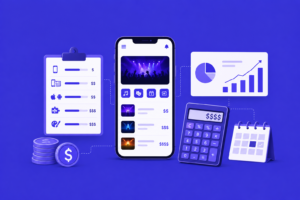
This is usually the first question founders ask, and the honest answer? It depends heavily on scope. A few variables shape the final number:
- Number of apps needed (attendee app only, versus attendee app plus organizer dashboard plus staff scanning tool)
- Platform coverage (iOS only, Android only, or both, plus a web admin panel)
- Feature complexity, especially around seat maps, dynamic pricing, and live streaming
- Payment and third-party integrations, including gateways, SMS providers, and marketing tools
- Design work, from a template-based approach to fully custom branding
A basic MVP with browsing, checkout, and digital ticketing sits toward the lower end. A full platform with seat selection, organizer analytics, waitlists, and multi-event support costs a good deal more, understandably. Businesses comparing event booking app development cost against the value of owning their own platform, rather than paying ongoing fees to a third-party marketplace, usually find the investment pays for itself once ticket volume grows past a certain point.
Timing comes up right after cost, almost every time. A focused MVP typically takes a few months to build and test properly, while a full-featured event management app with seat maps and advanced analytics takes longer. Rushing this to hit a specific event date almost always creates more rework than it saves.
Tech Stack We Recommend for Event Booking App Development
Most modern ticketing platforms lean on cross-platform frameworks to cover both major mobile operating systems without doubling the engineering effort. Flutter and React Native are common choices here, and both handle real-time updates, push notifications, and payment flows just fine. When a project needs deep platform-specific performance, say, advanced offline QR scanning at high-traffic venues, native app development can be worth the added cost.
On the web side, organizers often want a browser-based dashboard they can pull up from any device without installing anything, which is where solid web app development practices come into play. Behind the scenes, scalable cloud infrastructure and a database built to handle sudden concurrency spikes matter more than any single framework choice, especially during flash on-sales for popular events.
Why Choose BinaryMetrix for Event Booking App Development
We treat event booking app development as more than a checklist of screens to tick off. Our team focuses on the backend architecture that keeps checkout reliable during a ticket rush, integrates the payment and marketing tools organizers already rely on, and ships a first version lean enough to launch fast while leaving room to grow later.
If you’re weighing your options, it usually helps to talk through the scope with a team that’s built similar platforms before you commit to a full build. Feel free to browse our portfolio to see examples of past work, hire developers on a flexible basis if part of your product is already defined, or reach out through contact us for a free consultation on scope and cost.
For a look at how similar on-demand platforms come together, our recent breakdown of laundry app development covers a lot of the same scheduling and payment principles that apply here too.









 +91-7982030802
  +1(315) 585-1155