

Most online store owners don’t sit around thinking about platform architecture. They’re thinking about whether their bestseller is about to go out of stock, why a customer just emailed saying they couldn’t check out, or how to stop losing people halfway through a purchase. These are real, day-to-day problems, and honestly, they’re where most ecommerce revenue gets won or lost.
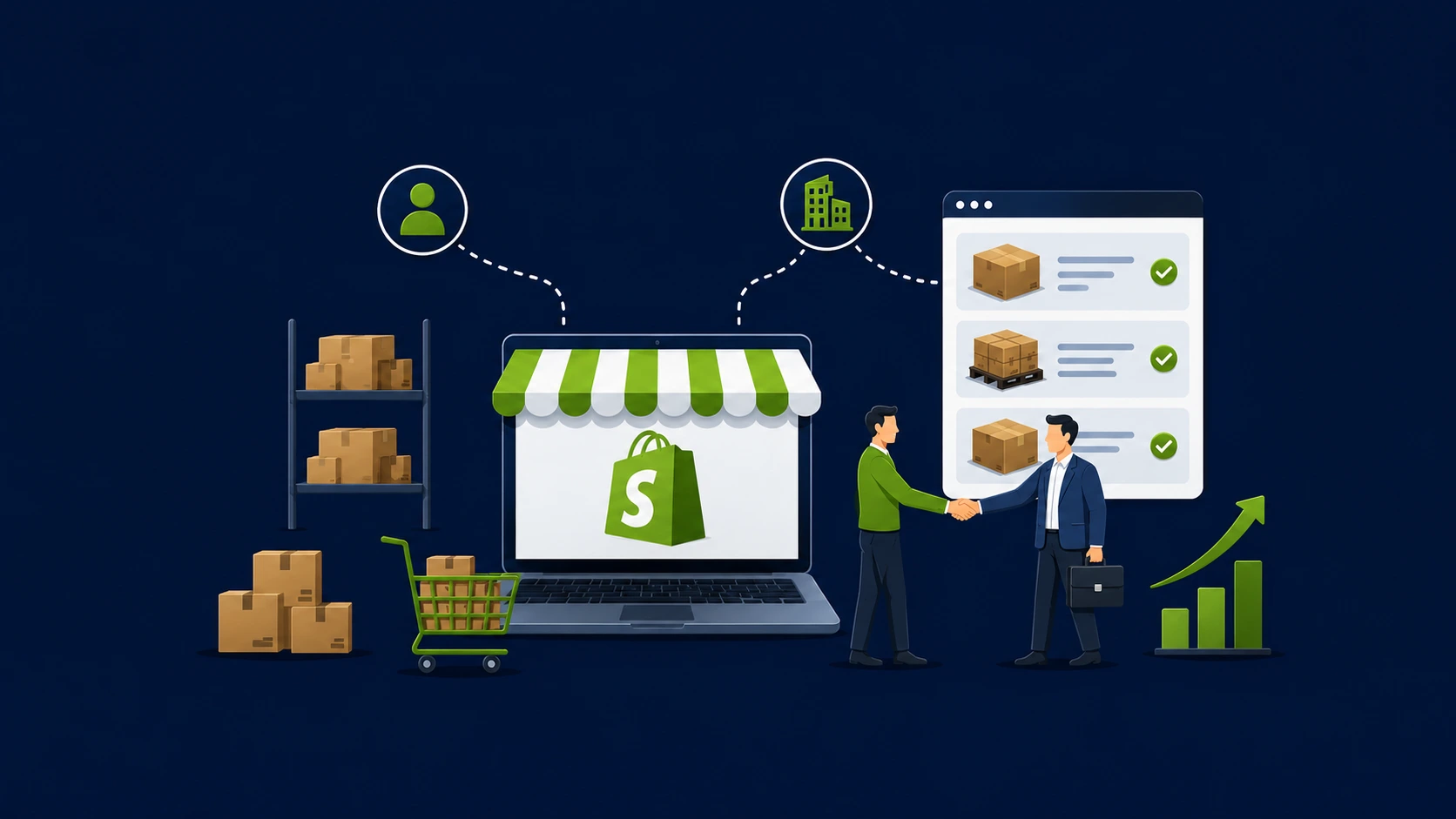
Shopify was built around solving exactly those kinds of problems. Not in a theoretical, feature-list kind of way, but in a practical sense. The Shopify ecommerce solutions ecosystem brings inventory control, payment processing, and customer-facing experience into a single connected environment. You’re not duct-taping five tools together and hoping they sync properly.
This isn’t a pitch for Shopify over every other platform. It’s more of a walkthrough of what the platform actually does well in three specific areas, and what you might want to customize or build on top of it once your store starts growing.
What Makes Shopify Worth Talking About
To be fair, Shopify isn’t the only serious ecommerce platform out there. Magento, WooCommerce, BigCommerce, and others all have their strengths. But Shopify has earned a particular kind of reputation, especially among US-based merchants who need something that’s reliable on day one without requiring a six-month build cycle.
Part of that reputation comes from how well it scales. You can launch something basic, get traction, and then layer in more sophisticated functionality as your business grows. Some of that happens through the app ecosystem. Some of it happens through custom Shopify development when your needs start going beyond what off-the-shelf tools can handle.
The other thing worth noting is infrastructure. Shopify runs on a hosting environment built specifically for commerce. Pages load fast under traffic spikes. Uptime is genuinely reliable. Those aren’t glamorous selling points, but they matter enormously when you’re running a promotion and 2,000 people hit your site in the same hour.
Let our experts set it up the right way from day one.
Get a Free ConsultationShopify Inventory Management: Getting Your Stock Under Control
Inventory problems tend to be one of those things that sneak up on stores. You oversell a product because two channels updated at different times. You run a sale and discover afterward that you were already low on half the SKUs. You reorder too late because nobody noticed the numbers were dropping.
Shopify inventory management addresses these situations by centralizing everything. Instead of maintaining separate stock counts across platforms, every sale, return, and manual adjustment hits one system and updates everything automatically.
Updates That Actually Happen in Real Time
This sounds basic, but it’s worth saying clearly: Shopify inventory management tracking updates the moment a transaction is processed. Not on a scheduled sync. Not after a delay. Right away. If someone buys your last unit in a physical store, your website reflects that immediately. For businesses that sell across multiple channels, that kind of accuracy prevents a whole category of customer service headaches.
Selling From More Than One Location
Not everyone runs out of a single warehouse. Some businesses have multiple fulfillment centers. Others have a mix of retail and online. Shopify handles this natively by letting you assign inventory to specific locations and set rules for how orders get routed. If your Chicago location is closest to the customer and has stock available, it fulfills first. The logic is configurable, and the visibility across locations is genuinely useful.
Low Stock Alerts Before You’re Actually Out
You can configure Shopify inventory management to flag items before they hit zero, which gives you a reorder window instead of an emergency. When you pair those alerts with sales velocity data, you start to develop a rough sense of demand patterns over time. For stores with more complex forecasting needs, third-party apps extend this significantly. Setting all of this up properly from the beginning is the kind of thing a good ecommerce website development partner will think about proactively.
Variants, SKUs, and Growing Catalogs
If your products come in multiple sizes, colors, or configurations, Shopify gives each variant its own inventory count and SKU. Buying a size medium in navy blue decrements that specific variant only. This keeps your catalog organized and your fulfillment accurate, which matters more and more as your product range expands.
Shopify Payment Solutions: The Checkout Shouldn’t Be Where You Lose Sales

There’s an industry statistic that floats around about cart abandonment rates sitting somewhere north of 70%. That number shifts depending on the study, but directionally it’s consistent: a huge portion of shoppers who get to a cart never actually buy. Payment friction is a major driver of that drop-off. Confusing checkout steps, limited payment options, slow load times, security concerns, these all add up.
Shopify payment solutions are built around removing those barriers. Not all of them can be fixed by the platform alone, but a well-configured Shopify store eliminates a surprising number of them.
Shopify Payments: Built Into the Platform
Shopify’s native processor handles credit and debit card transactions without requiring a third-party merchant account. It supports all the major card networks and removes per-transaction fees that you’d otherwise pay when routing through an external gateway. For most US merchants, it’s the simplest and most cost-effective starting point, and it’s already configured to work the moment you turn it on.
Supporting the Payment Methods Your Customers Prefer
Not everyone pays with a Visa. Some customers swear by PayPal. Others use Apple Pay for everything. A growing number of B2B buyers prefer ACH or net-30 terms. Shopify supports over 100 payment gateways and accelerated checkout methods, so you’re not forcing your customers into a payment method they don’t use or trust. For stores selling internationally, this becomes even more important.
Shopify Checkout Optimization: Small Changes, Real Impact
Shopify checkout optimization is one of the highest-return areas you can invest time in. The default checkout is already cleaner than many competitors, but there’s real upside in refining it further. Turning on Shop Pay speeds things up for returning customers whose details are saved. Trimming the number of required fields reduces friction for first-time buyers. Guest checkout captures people who don’t want to create an account. Trust badges at the payment step reduce hesitation. For stores that need modifications beyond what Shopify’s native settings allow, custom web development services can unlock deeper customization at the checkout level.
Security That’s Already Handled
Shopify is PCI DSS compliant at the platform level, which means you’re not responsible for managing card data security infrastructure yourself. SSL is included and applied automatically. The built-in fraud analysis tool flags orders that don’t look right before they’re fulfilled. These are meaningful protections that build customer trust without requiring you to configure them from scratch.
Our Shopify developers optimize your checkout flow for maximum conversions.
Book a Free AuditShopify Customer Experience: The Part Shoppers Actually Remember
Inventory accuracy keeps the back end clean. Payment processing keeps revenue flowing. But Shopify customer experience is what people actually notice and talk about. It’s the reason they tell a friend about your store or quietly never come back.
Mobile First, Not Mobile Afterthought
More than half of ecommerce visits happen on a phone now. If your store works beautifully on a desktop and awkwardly on mobile, you’re already behind. Shopify themes are responsive, but there’s a real difference between responsive and genuinely well-optimized for mobile. Getting there usually involves thoughtful website designing decisions and a solid understanding of UI/UX design principles. Things like touch target sizes, image load behavior, and scroll-triggered elements all behave differently on mobile, and they all affect conversion.
Helping People Find What They Came For
Poor search and navigation is a silent revenue killer. If someone knows exactly what they want but can’t locate it in your store, they’ll go find it somewhere else. Shopify integrates with smart search apps that handle typos, synonyms, and filtering in ways the native search doesn’t. Product recommendation apps surface items based on browsing behavior, previous purchases, or what other customers bought alongside a given product. When this works well, it lifts average order value and makes the experience feel more tailored.
Loyalty, Accounts, and Repeat Business
Getting a customer once is fine. Getting them back repeatedly is where the actual economics of ecommerce get interesting. Shopify’s customer account system stores order history, saved addresses, and wish lists. Paired with a loyalty or rewards app, you can build a structure that actually gives customers a reason to return. People who feel recognized tend to spend more and complain less. That’s not a revolutionary insight, but it’s one that a lot of stores underinvest in.
What Happens After the Order Is Placed
Post-purchase communication is underrated. A confirmation email that arrives immediately, a shipping notification with real tracking, a delivery confirmation that doesn’t feel automated, these small touches matter to people. Shopify’s notification system handles the core of this, and connecting a helpdesk or live chat tool gives customers somewhere to go when something does go wrong. Handling issues quickly and transparently is one of the fastest ways to turn a complaint into a repeat customer.
Shopify Store Optimization: Ongoing Work, Not a One-Time Setup

Launching a Shopify store is a milestone. Keeping it performing well is a completely different kind of work. Shopify store optimization is less about a single big project and more about steady, incremental improvements across a few key areas:
Page speed: Uncompressed images and unnecessary apps slow stores down noticeably. A regular audit catches these before they become a problem.
SEO foundations: Product titles, meta descriptions, image alt text, and URL structure all contribute to how search engines read and rank your store.
Conversion testing: A/B testing product page layouts, CTA copy, and image presentation often reveals surprising results. What you think will work and what actually works aren’t always the same thing.
Analytics: Shopify’s built-in reports combined with Google Analytics give you a real picture of where shoppers drop off and what’s actually driving sales.
If the technical side of this feels overwhelming or you want someone to do a proper audit, BinaryMetrix’s web development services team can identify what’s worth fixing and prioritize accordingly.
Going Custom: When the Standard Setup Isn’t Enough
For a lot of stores, a well-configured Shopify setup plus a few carefully chosen apps will cover most of what they need. But businesses with specific workflows, complex product catalogs, or integrations to manage will often hit a ceiling. That’s where custom Shopify development starts making sense.
Some situations where going custom is worth it:
- Products that are configurable or made-to-order in ways that standard variant setups can’t represent well
- ERP, CRM, or warehouse management systems that need a proper data connection rather than a generic integration
- B2B or wholesale pricing structures that require custom logic
- Headless Shopify setups for teams that want full front-end control
- Brand identity requirements that call for a fully custom storefront, not a modified template
BinaryMetrix builds Shopify website development solutions at both levels. Whether the job is a targeted enhancement or a ground-up custom build, the approach starts with understanding what you actually need, not what sounds impressive.
We build custom Shopify solutions tailored to your exact business needs.
Talk to a DeveloperConnecting Shopify to Your Marketing Channels
A store that nobody visits doesn’t generate revenue, regardless of how well it’s built. Shopify connects well with the full range of marketing channels. Search engine optimization, social media marketing, and pay-per-click advertising all integrate directly with Shopify’s product catalog and conversion data. Google Shopping feeds update automatically. Meta pixel tracks purchases. Email sequences can trigger based on specific customer actions.
The practical value here is that you stop guessing. Instead of running ads and hoping they’re working, you can trace revenue back to specific campaigns, audiences, and creative. That kind of visibility changes how you make decisions about where to put your budget.
Future content opportunity: A practical guide on “Shopify Payments Setup for International Selling” would pair well with this article for merchants expanding beyond the US market.
Future content opportunity: A comparison piece on “Shopify vs WooCommerce: Which One Fits Your Business?” would serve research-stage buyers and link naturally to both WooCommerce development and Shopify development services.
Final Thoughts
Shopify won’t run your business for you. But it removes a lot of the friction that gets in the way of running it well. Accurate inventory, smooth payment processing, and a shopping experience people don’t complain about, those are the foundations. Get those right and you’ve got a store worth investing in.
When you’re ready to go further, whether that means deeper customization, performance improvements, or scaling to new markets, working with a team that understands the platform makes a real difference. Reach out to BinaryMetrix for a free consultation. No pressure, just a real conversation about what your store needs.
From inventory to checkout to customer experience, BinaryMetrix handles it all.
Start with a Free Consultation






 +91-7982030802
  +1(315) 585-1155