
Most teams treat launch day like the finish line. There’s a celebration, a few screenshots of the App Store listing, maybe a LinkedIn post. Then the real work starts. Mobile app development doesn’t end when your app goes live, and mobile app maintenance is the part that decides whether users stick around for a year or delete the app after a week.
Whether you’re new to mobile phone application development or managing an app that has been live for years, this guide covers what actually happens after launch: the updates you’ll need, the problems that show up, what it tends to cost, and how to plan for it before it catches you off guard. Think of it as the second half of any mobile development guide, the part most of them skip.
What Is Mobile App Maintenance?
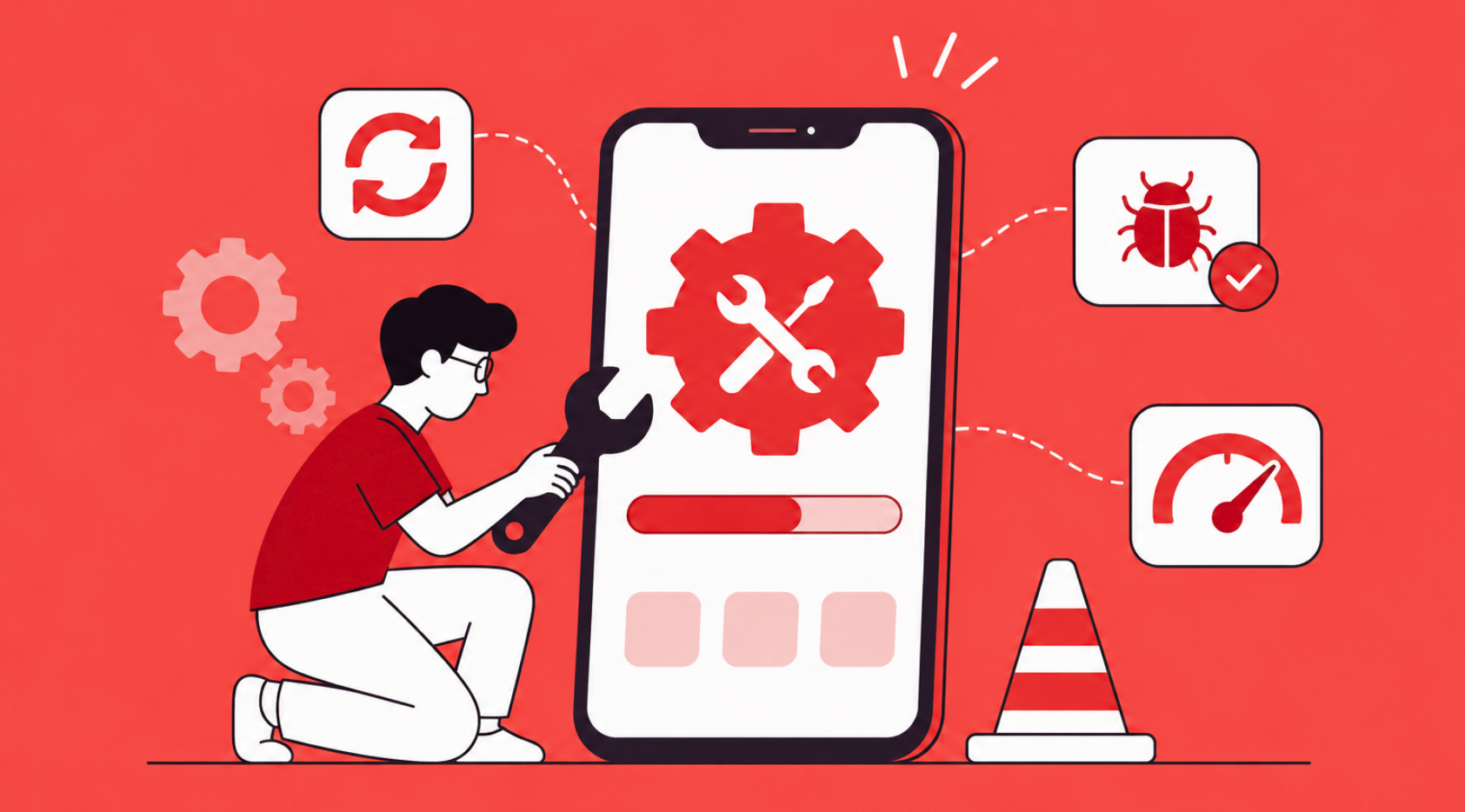
Mobile app maintenance is the ongoing work of keeping a live app stable, secure, compatible, and useful. It covers bug fixes, OS compatibility updates, security patches, performance tuning, server and API upkeep, and the feature improvements users ask for.
It’s less like fixing a broken car and more like owning one. Oil changes, tire rotations, the occasional recall. Skip them and things don’t fail all at once. They fail slowly, and then expensively.
Why Your App Needs Care After Launch
An app lives in an environment it doesn’t control. Apple and Google ship major OS versions every year, device makers release new screen sizes, and the third-party services your app relies on (payment gateways, maps, login providers) change their APIs on their own schedules. App development on mobile platforms simply moves faster than most business owners expect.
Here’s what typically pushes an app toward needing updates:
- Operating system releases. A new iOS or Android version can break layouts, permissions, or background tasks that worked fine last month.
- Store requirements. Google Play requires apps to target a recent Android API level, and Apple periodically raises the minimum SDK version for new submissions. Fall too far behind and you may not be able to ship updates at all.
- Security issues. Libraries get patched for vulnerabilities. If your app bundles an outdated one, you’re carrying that risk.
- User feedback. Reviews and support tickets surface bugs your QA team never saw, usually on devices nobody tested.
- Business changes. New pricing, a new product line, a rebrand. The app has to keep up with the company behind it.
If you’re newer to the process, our explainer on what mobile app development involves gives useful background on how these pieces fit together.
The Main Types of Mobile App Maintenance
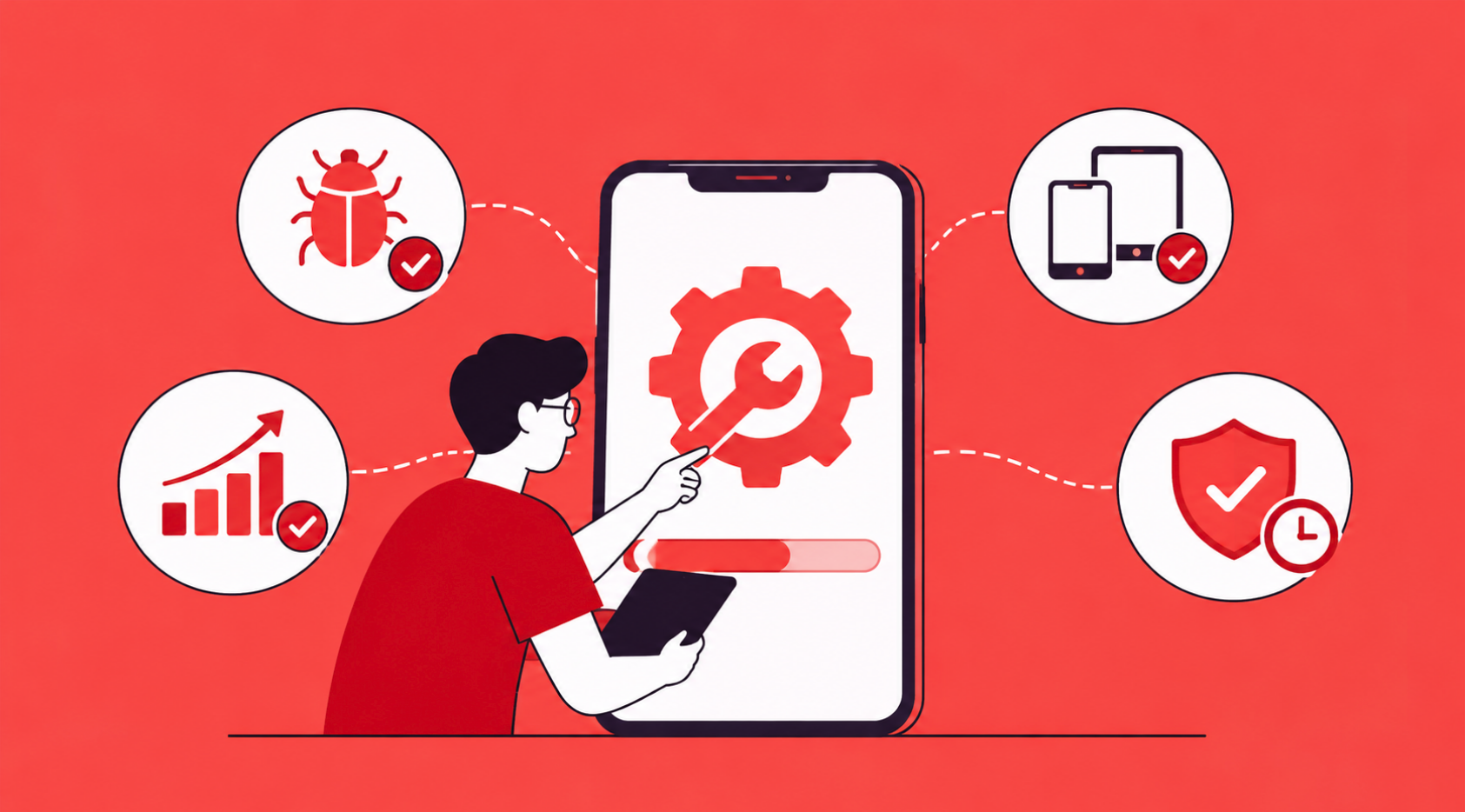
Not all maintenance is the same. Breaking it into categories makes it easier to plan and budget.
Corrective Maintenance (Bug Fixes)
Crashes, frozen screens, a checkout button that does nothing on one specific Android phone. Corrective work fixes problems that already exist. Crash reporting tools such as Firebase Crashlytics show which issues hit the most users, so you can fix those first.
Adaptive Maintenance (Compatibility Updates)
This is the work of adjusting to a changing environment: new OS versions, new devices, updated store policies, and deprecated APIs. Native apps built with Swift or Kotlin feel this directly, which is why teams offering iOS app development and Android app development usually test against beta OS releases weeks before the public rollout.
Perfective Maintenance (Improvements)
Users will tell you what they want, sometimes loudly. Perfective maintenance covers new features, UX refinements, and redesigned flows based on real usage data. A thoughtful mobile app design refresh every year or two can lift engagement without rebuilding the whole product.
Preventive Maintenance (Future-Proofing)
This is the unglamorous stuff: refactoring messy code, updating dependencies, improving test coverage, and cleaning up the database. Nobody notices it when it’s done well. Everybody notices when it isn’t.
A Real-World Scenario: The Booking App That Quietly Broke
Here’s a situation that plays out more often than people think. Picture a home cleaning company in Phoenix with a booking app built two years ago. It worked well. Customers booked weekly cleanings, paid in the app, and got a push reminder the day before.
Nobody touched the code after launch. Then a new iOS version rolled out in the fall, and the app’s notification permission flow, written the old way, stopped prompting new users correctly. Reminders quietly stopped reaching anyone who had installed the app recently. No crash, no error message. Just a slow rise in missed appointments and a handful of confused one-star reviews.
It took the owner close to a month to connect the dots, because nothing looked broken. The fix itself took a developer about two days. The lost bookings and refunds cost far more than a year of basic maintenance would have.
The lesson is simple: the most damaging problems are often silent. Monitoring, routine OS testing, and one person clearly responsible for the app’s health would have caught this during the beta period.
What Does a Typical Maintenance Routine Look Like?
A healthy post-launch routine for most business apps looks something like this:
- Weekly: Review crash reports, app store reviews, and support tickets.
- Monthly: Ship a small update with bug fixes and dependency patches.
- Quarterly: Check analytics for drop-off points, review performance, and plan feature improvements.
- Annually: Test against new iOS and Android releases, run a security review, and reassess the tech stack.
Teams that work this way rarely face emergency rewrites. Teams that don’t often end up rebuilding the app from scratch every few years.
How Much Does Mobile App Maintenance Cost?
There’s no single number, and anyone who quotes one without seeing your app is guessing. A common rule of thumb in mobile phone app development is to budget around 15 to 20 percent of the original build cost per year for maintenance. Simple apps with few integrations may need less. Apps handling payments, health data, or real-time features usually need more.
The biggest cost drivers include:
- Number of platforms (iOS, Android, web)
- Third-party integrations and APIs
- Backend hosting and server load
- Security and compliance needs, such as HIPAA or PCI DSS
- How clean the original codebase is
That last point matters more than most founders expect. Our breakdown of mobile app development cost shows how early decisions shape long-term spending.
Your choice of framework matters too. A single codebase built through cross-platform app development can reduce maintenance effort compared with running two separate native apps, though it comes with its own trade-offs around platform-specific features.
Tips for Developing Mobile Apps That Are Easier to Maintain
Maintenance starts long before launch. If you’re still planning, a few early choices will save you money later:
- Write documentation as you build. The next developer, or future you, will need it.
- Use well-supported libraries. An abandoned open-source package becomes your problem the day its maintainer walks away.
- Set up analytics and crash reporting from day one. You can’t fix what you can’t see.
- Put OS updates on your roadmap. Block time every fall for the new iOS and Android releases.
- Keep the backend modular. It makes swapping services far less painful.
For more on building apps the right way from the start, these practical mobile app development tips are a good next read. We’re also working on a hands-on guide to building a mobile app maintenance checklist for in-house teams.
In-House Team or Maintenance Partner?
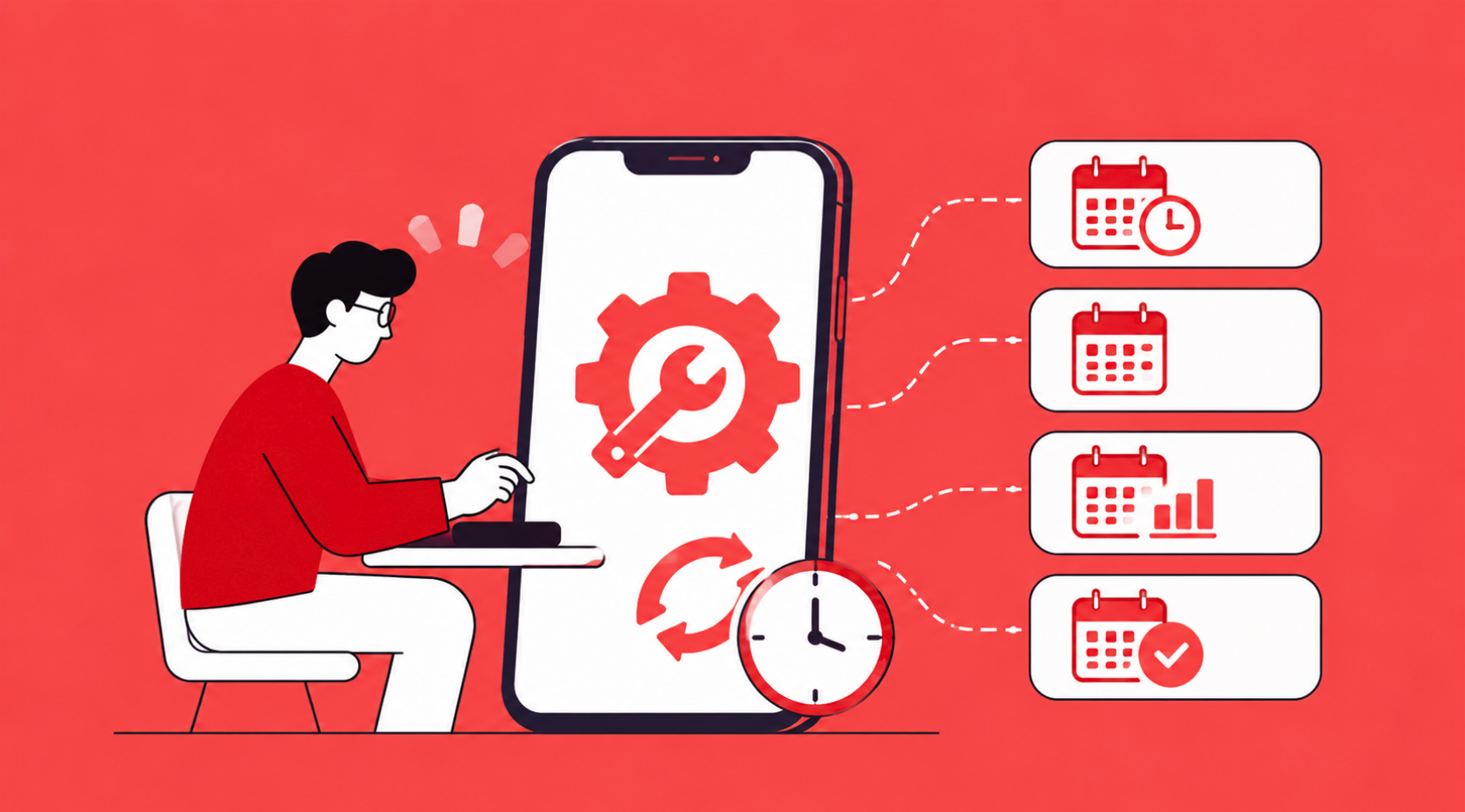
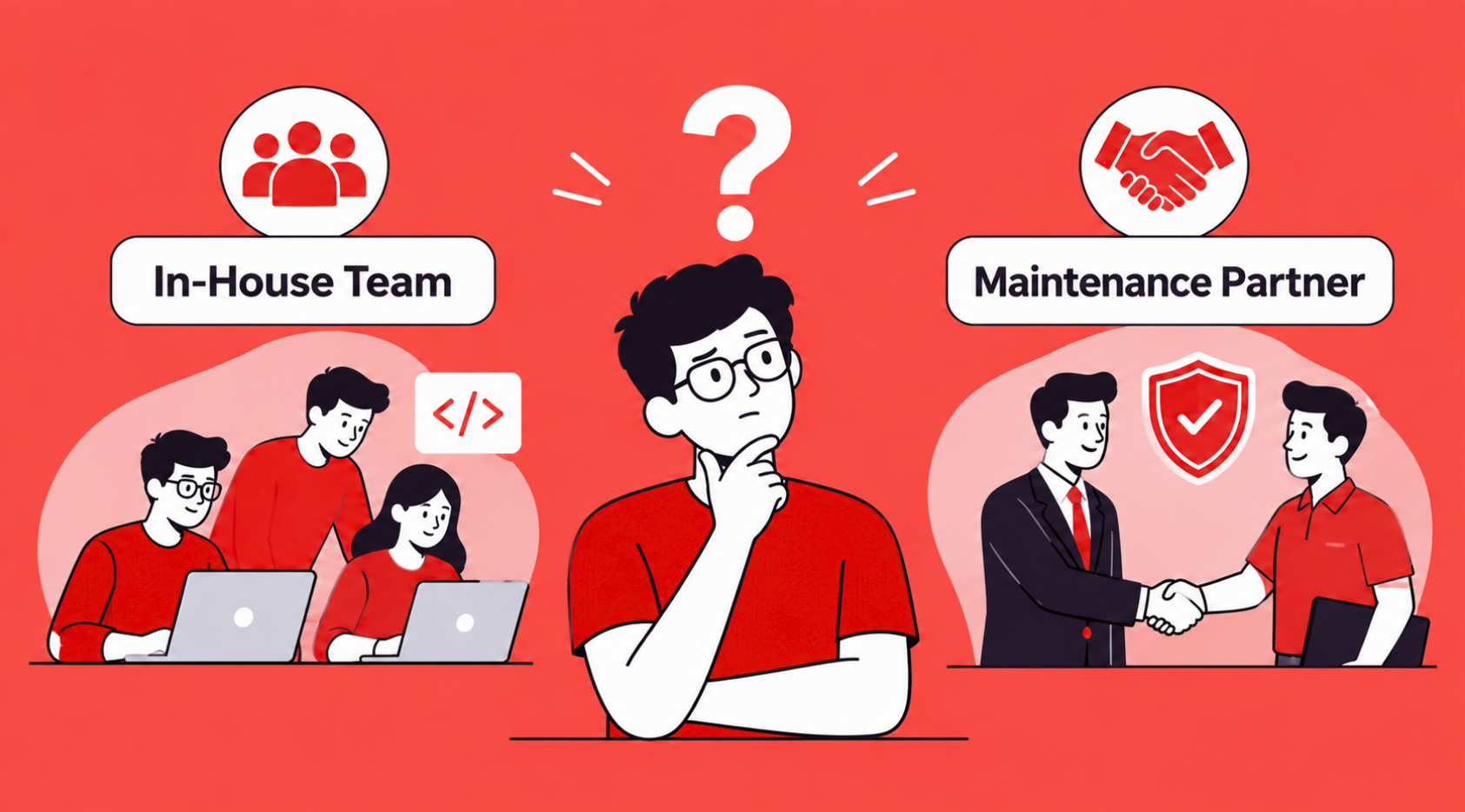
Some companies keep a developer on staff. Others hand maintenance to an agency on a monthly retainer. Both can work. The right choice depends on how often your app changes and how central it is to revenue.
If the app is your main product, an in-house team or dedicated developers who know the codebase deeply make sense. If the app supports a bigger business, a maintenance partner usually costs less and covers more skill sets, from backend work to design to QA. Companies that treat mobile apps development as a one-time project tend to learn this the hard way. Either way, the worst option is having no one at all.
When you’re ready to plan ongoing support, our mobile app development services team can review where your app stands today and what it needs next.







 +91-7982030802
 +1(315) 585-1155