

I’ll be honest, when people ask me to explain mobile app development, I always hesitate for a second. Not because it’s complicated to explain, but because the honest answer is so much messier than what most guides online will tell you.
It’s not just “building apps.” It’s not just coding. And it’s definitely not something you can learn the full reality of from a listicle.
So here’s what I’m going to do instead. I’ll walk you through mobile app development the way I’d explain it to a smart friend who’s never worked in tech, covering the real process, the actual challenges teams face, what businesses get wrong, and where the industry is genuinely heading. By the end, whether you’re looking to hire someone, learn the craft yourself, or just understand what your dev team is actually doing, you’ll have a much clearer picture.
What is Mobile App Development?
At its core, mobile app development is the process of creating software that runs on a phone or tablet. That sounds simple. It isn’t.
The confusion usually starts when people assume it’s the same as building a website. It’s not really. A website lives in a browser and doesn’t care much about what device you’re on. An app developer on a mobile project, on the other hand, has to think about the specific operating system, the hardware capabilities of the device, battery consumption, screen size variations, offline behavior, and a dozen other things a web developer rarely loses sleep over.
A mobile app also gets to do things websites simply can’t. It can tap into your GPS in the background. It can send you a notification at 7 pm when you haven’t opened it in a week. It can use your fingerprint for login, access your camera without redirecting you anywhere, and work perfectly on a plane with no WiFi.
Websites are a storefront. Mobile apps are a relationship that stays on the user’s phone, in their pocket, all day.
The mobile application development field has matured enormously over the last decade. What once required a huge team and a massive budget can now be achieved by two developers and a good designer in a few months. That shift has opened the door for startups, solo founders, and small businesses in ways that weren’t possible before.
Types of Mobile App Development
This is where most beginner guides oversimplify things; they list three types and move on. But the type of development you choose has real downstream consequences, so it’s worth spending a moment here.
Native Mobile App Development
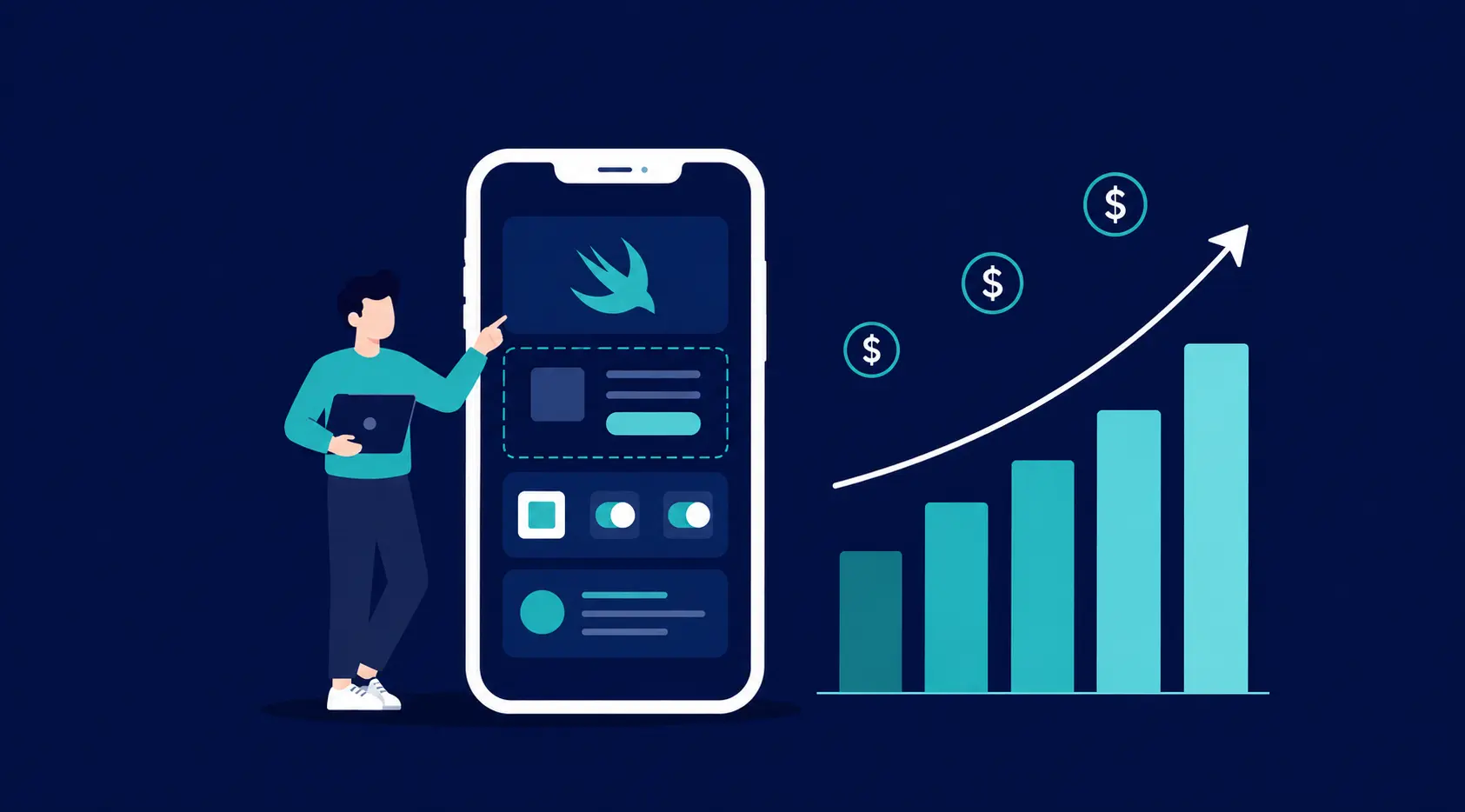
“Native” means you’re building specifically for one platform. Android app development uses Kotlin (and still sometimes Java). iOS app development uses Swift. You’re writing code that speaks the OS’s native language, and it shows in performance, in how naturally the app behaves, and in how well it integrates with system features.
- Fastest, smoothest experience: no translation layer between your code and the device
- Full access to every hardware feature the phone has
- Google Maps is a good example; the Android version and the iOS version are both native and both feel completely at home on their platforms
- The downside is real: you’re essentially building the same app twice, with two teams, two codebases, and two sets of bugs to fix
Cross-Platform Mobile App Development
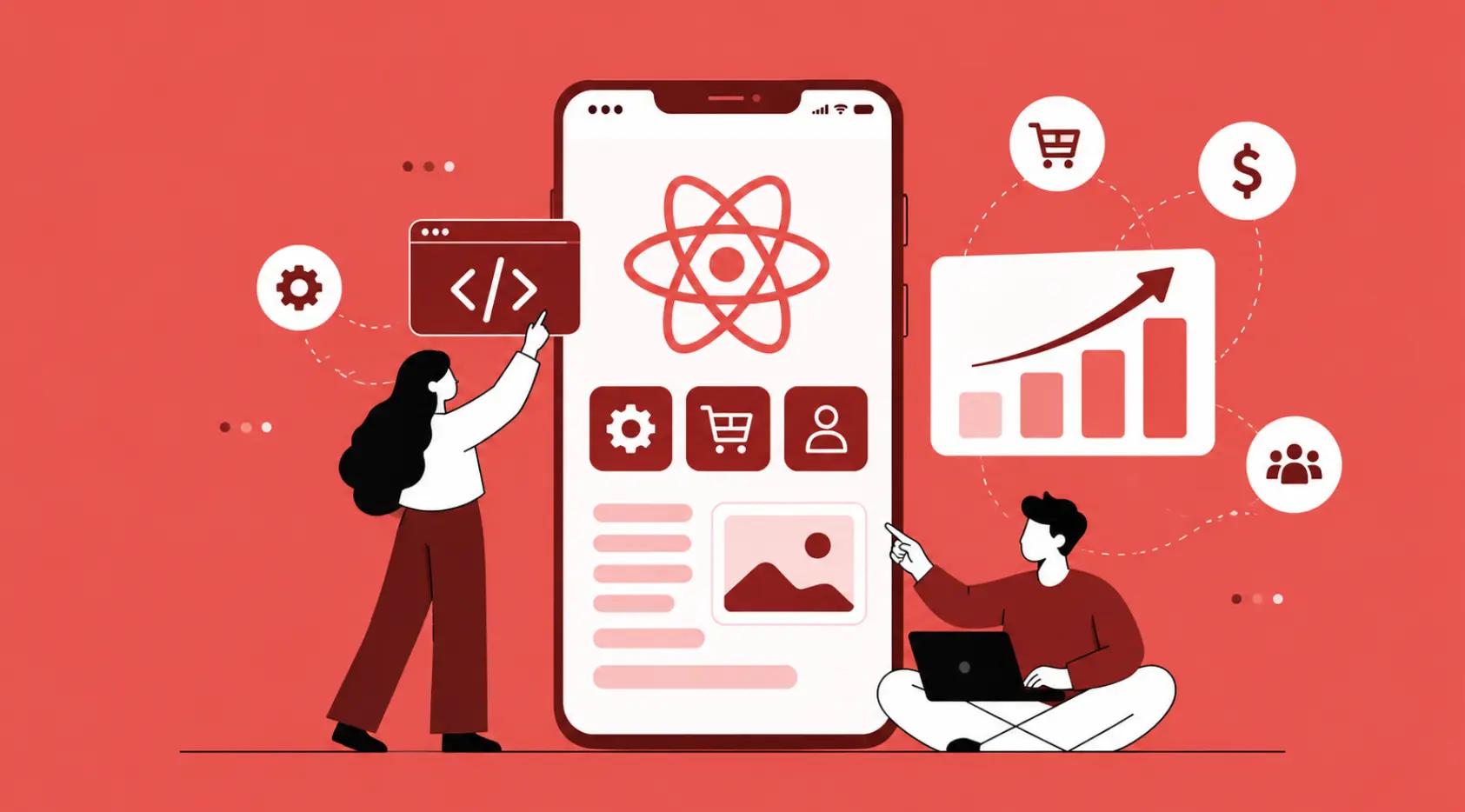
This became a serious option around 2018 when Flutter (Google) and React Native (Meta) matured enough for production use. The pitch is simple: write once, run on both platforms.
- One codebase, two apps. Significantly faster to build and cheaper to maintain
- Performance has gotten remarkably close to native for most apps; users genuinely can’t tell the difference
- Facebook’s app, parts of Airbnb, and thousands of startups have shipped cross-platform
- Where it still lags: highly graphics-intensive apps and anything that needs very deep OS-level integration
Hybrid Mobile Apps
A hybrid is essentially a website packaged inside an app shell. HTML, CSS, and JavaScript are the same stuff that powers websites running inside a native container.
- Cheapest and quickest to build by a significant margin
- Works fine for simple content apps, internal company tools, or early-stage MVPs
- The performance ceiling is noticeably lower; you’ll feel it on animations and complex interactions
- If your app’s UX quality is central to your product, hybrid is a risk
How Does the Mobile App Development Process Work?
The mobile app development process has a shape to it, and teams that skip stages almost always regret it. Here’s how it actually unfolds.
1. Planning and Research
Before anyone writes a line of code, good teams spend serious time understanding the problem they’re solving. Who are the users? What do they struggle with today? What does the competition already offer, and where are the gaps?
This is also where scope gets defined. Uber’s original San Francisco pilot in 2010 did exactly one thing: request a black car. No pool. No Eats. No scheduling. They shipped one feature, validated it worked, and built from there. That discipline of resisting the urge to build everything is hard to maintain, but almost always the right call.
2. UI/UX Design
Design in mobile isn’t decoration. It’s the difference between an app people open again and one they delete after three days. Figma has become the standard tool here, where designers build interactive wireframes and prototypes that look and feel like real apps before anyone touches code.
The underrated part of this stage: user testing. Watching five strangers use your prototype for 20 minutes will surface problems that your internal team, who know the app too well, will never catch on their own.
3. App Development
This is the stage most people picture when they think of custom mobile app development: developers writing code, building features, and pushing commits. In good teams, this happens in short cycles, usually two-week sprints. Small, testable chunks of functionality rather than one enormous release six months later.
Front-end and back-end work run in parallel. One side builds what you see. The other builds the servers, databases, and APIs that make what you see actually work.
4. Testing and Quality Assurance
This step gets cut when budgets run over. That’s almost always a mistake you pay for in one-star reviews.
QA isn’t just “does it work on my phone.” Does it work on a three-year-old mid-range Android with 2GB of RAM and patchy 4G? It’s what happens when someone loses connection mid-transaction. It’s whether the login flow holds up when someone with a visual impairment is using a screen reader. Real QA is thorough and time-consuming and worth every hour.
5. Launch and Maintenance
Submitting to app stores is its own process. Google Play is fairly quick. Apple’s App Store review is stricter, and slower rejections happen, sometimes for reasons that feel arbitrary. Once you’re live, the work continues. Operating system updates, new phone sizes, security patches, and user feedback are driving new features—apps that go unmaintained get stale fast. Ongoing mobile app development services exist precisely because launch isn’t the finish line.
Why Mobile App Development is Important for Businesses
Here’s the straightforward truth: not every business needs a mobile app. A one-person accounting firm probably doesn’t. But if you have repeat customers, if the value you deliver involves any kind of personalization or real-time interaction, or if your competitors already have one, the calculation changes.
- Better customer engagement: A well-timed push notification outperforms an email campaign in open rates by a factor of several times over, and it reaches people who’ve already chosen to have your app on their phones.
- Increased accessibility: No store hours, no waiting on hold. Customers interact when it suits them, which is usually not during your business hours
- Improved customer experience: Saved payment details, order history, personalized recommendations, and small conveniences that add up to real loyalty
- Brand visibility: Your icon sitting on someone’s home screen is passive brand advertising that cost you nothing after install
- Higher sales opportunities: Mobile commerce crossed 60% of global e-commerce volume in 2024. That share keeps growing every quarter
Starbucks is the example that keeps coming up in these conversations, and it should. Their app didn’t just digitize the loyalty card. It changed how a significant portion of their customers order, pay, and think about coffee. The app became a revenue driver, not just a convenience feature.
Common Features of Successful Mobile Apps
After looking at a lot of apps that work and a lot that don’t, the pattern that emerges isn’t about which features you include. It’s about how well you execute the basics. The apps people actually keep come back to the same things.
- User-friendly design: Nobody reads an instruction manual for an app. If users can’t figure it out in thirty seconds, most won’t try again
- Fast performance: Three seconds is roughly where patience runs out. Beyond that, abandonment spikes sharply
- Push notifications: Genuinely useful when they’re relevant and well-timed. Aggressively annoying when they’re not, and users will turn them off or uninstall them
- Secure login: Biometrics and two-factor auth aren’t optional anymore. Users expect them and distrust apps that don’t offer them
- Offline access: Google Maps’ offline mode isn’t a minor feature; it’s saved countless road trips. Even partial offline functionality builds trust in your product
- Easy navigation: The bottom navigation bar exists for a reason; thumb ergonomics on a phone are different from a mouse on a desktop
Essential Mobile App Development Tips for Beginners
I’ll save you some of the pain that comes with the early learning curve. These mobile app development tips are the things I wish someone had said clearly at the start.
- Start with a simple idea: The apps that survive their first year almost always started with a narrower scope than the founder originally wanted
- Focus on user experience first: Your users don’t care how clean your code is. They care whether the thing works the way they expected
- Choose the right platform: In India, Android commands over 95% of the market. If that’s your audience, starting with iOS first is a strange choice
- Prioritize security from day one: Bolting security onto an existing app architecture is painful and often incomplete. Build it in from the start
- Keep updating the app: An app with its last update two years ago looks abandoned. Users notice. So does the app store algorithm
- Test before launch on real devices: Emulators are useful and wrong about important things. Nothing replaces a real phone in a real hand
The mental shift for mobile app development for beginners is this: stop thinking about features and start thinking about friction. Every feature worth building removes something annoying from a user’s day.
Common Challenges in Mobile App Development
The challenges in app development on mobile are rarely the ones people anticipate. The technical problems are usually solvable. The strategic ones are harder.
- Choosing the right platform: Native vs cross-platform is a long-term architectural decision. Switching direction six months in is expensive in ways that are hard to fully explain until you’ve done it
- Budget limitations: Serious mobile application development in India typically runs ₹5–50 lakhs, depending on scope. The projects that go over budget almost always have poorly defined requirements at the start
- Security concerns: A single data breach will undo months of trust-building. GDPR, India’s DPDP Act, and Apple’s App Store privacy requirements have all raised the baseline significantly
- App performance optimization: An app that feels fast on a developer’s flagship phone and sluggish on the device 60% of your users actually own is a real problem and a common one
- Device compatibility: Android runs across thousands of models with different chipsets, screen sizes, and OS versions. Testing coverage is a genuine discipline, not just a checkbox
- User retention challenges: Roughly one in four apps gets opened once and never again. The onboarding experience in the first three minutes is disproportionately important
Latest Mobile App Development Trends
Some trends are worth paying attention to. Others are hype cycles that will look silly in retrospect. Here’s what’s actually changing things right now in custom mobile app development.
- AI-powered mobile apps: Not chatbots bolted on as an afterthought, but genuine intelligence baked into the product. Spotify’s recommendations, Duolingo’s adaptive learning, and Google Photos’ search. The bar for what users expect has shifted
- AR/VR experiences: IKEA’s app that lets you place furniture in your actual room before buying it sounds gimmicky until you use it. Then it sounds like something every retailer should be doing
- 5G technology: Lower latency changes what’s possible in real-time apps, live collaboration, high-quality video, multiplayer gaming that actually works on mobile
- Voice search integration: More people talk to their phones than type on them for certain tasks. Apps ignoring voice are ignoring a growing chunk of how people want to interact
- Cloud-based apps: Thin clients with heavy server-side processing means apps that would have been impossible on mobile hardware two years ago now run fine
- Wearable app integration: Health monitoring through Apple Watch and Fitbit is already mainstream. The interesting applications in healthcare diagnostics are still just getting started
Difference Between Android and iOS App Development
This comes up in almost every early conversation about a new app project, and the answer genuinely depends on who you’re building for.
| Factor | Android App Development | iOS App Development |
| User base | 72%+ global share; ~95% in India | Dominant in US, UK, Japan; higher-income skew |
| Language | Kotlin / Java | Swift / Objective-C |
| Device variety | Thousands of models to account for | Small, standardized device lineup |
| Optimization | Broader testing required | Easier to optimize across fewer devices |
| Publishing | Google Play generally has faster approval | App Store’s stricter, slower review |
| Security | Open ecosystem; requires deliberate setup | Closed ecosystem; strong baseline security |
My take: if you’re launching in India and money is a real constraint, start with Android. If your product targets a global audience or a premium demographic, building for both from the beginning is worth the investment.
Conclusion
Mobile app development is genuinely one of those fields where the more you learn, the more you realize how much there is to know. That’s not discouraging it’s actually what makes it interesting? The problems are real, the stakes are real, and when you get it right, the product ends up in millions of people’s pockets.
Whether you’re building something yourself, hiring a team, or just trying to understand the landscape, knowing the basics of the mobile app development process, the trade-offs between platforms, and what separates good apps from forgotten ones puts you in a meaningfully better position.
If you’re at the stage where you’re ready to move from learning to building, talking to a professional mobile app development company with relevant industry experience is genuinely worth the time, even just for an initial conversation. The right team will ask questions that make your idea sharper. That’s usually how you know they’re the right team.
Ready to build something? Get a free consultation with our team today—no pressure, just an honest conversation about your idea.







 +91-7982030802
  +1(315) 585-1155