
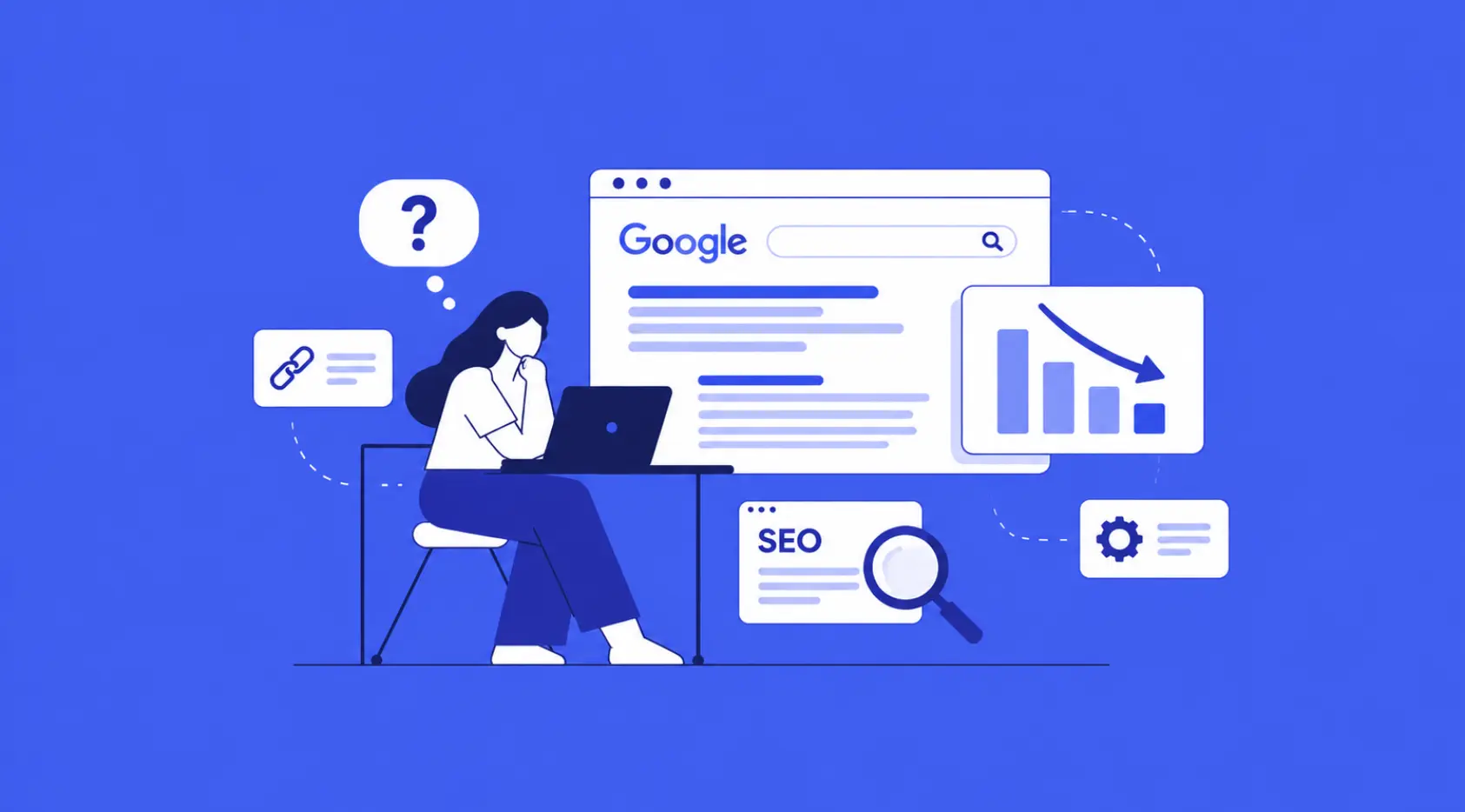
Website not ranking on Google? You have invested time and money in building your website, publishing content, and optimising your pages, but your website still does not appear where you expect it to on Google. If this sounds familiar, you are not alone. Many businesses struggle to improve their organic visibility despite putting consistent effort into SEO.
The problem is not always a lack of content or backlinks. Sometimes, a website fails to rank because Google cannot index important pages, the content does not match search intent, or technical issues prevent search engines from understanding the website properly.
Understanding why your website not ranking on Google requires a systematic approach. Instead of making random changes, you need to identify the underlying issues, prioritise fixes, and measure their impact.
In this guide, we will explore 10 common SEO issues that can affect your website’s Google rankings and explain how to identify and resolve them.
1. Your Website Pages Are Not Indexed by Google
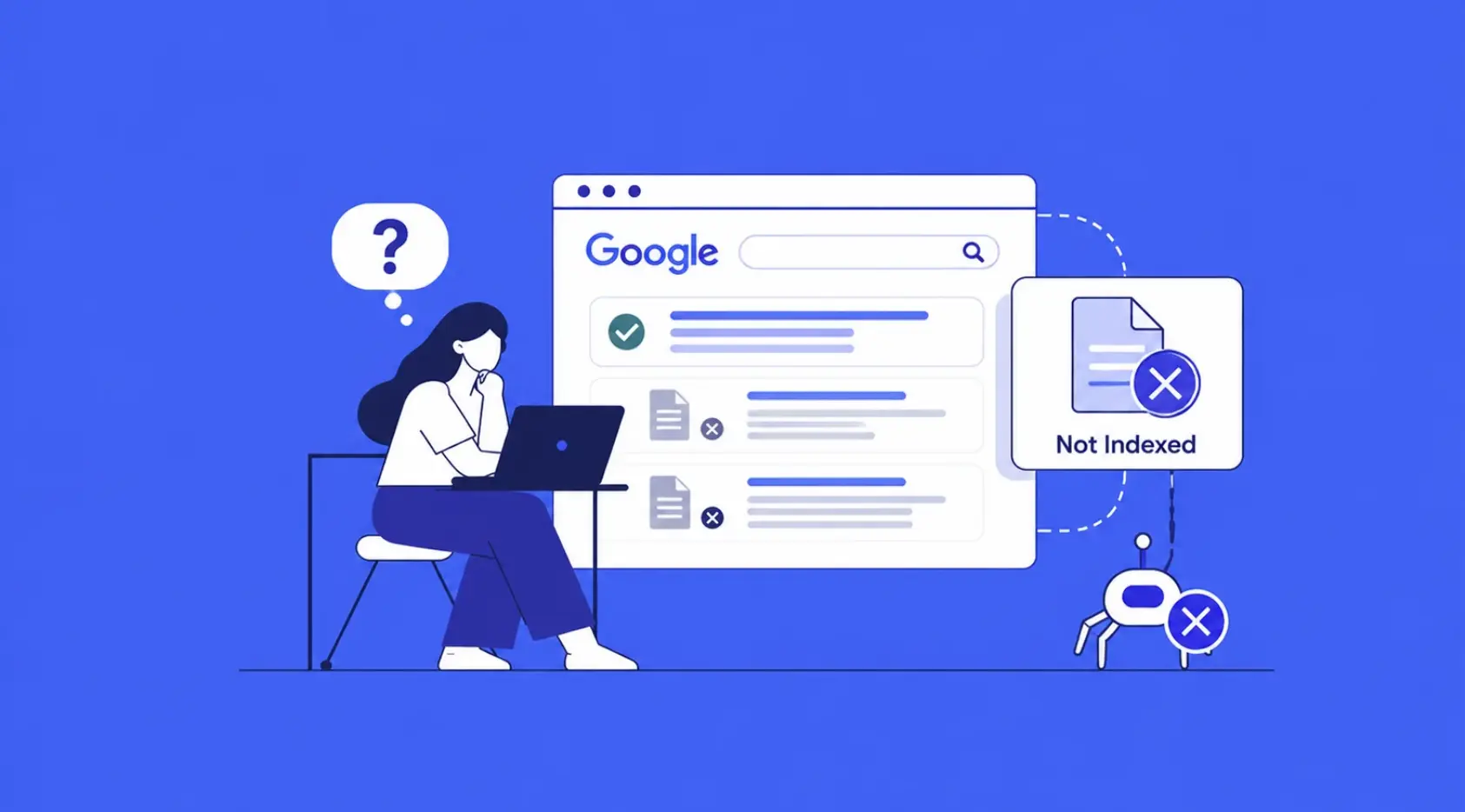
Before a webpage can appear in Google’s search results, Google generally needs to crawl and index it. If your important pages are not indexed, they cannot rank in organic search results.
Indexing problems can occur for several reasons, including accidental noindex directives, incorrect robots.txt rules, canonicalization issues, and pages that Google considers unsuitable for indexing.
How to check:
- Open Google Search Console and navigate to the Page indexing report.
- Inspect important URLs using the URL Inspection tool.
- Check whether pages return the correct HTTP status code.
- Review your robots.txt file and page-level meta robots directives.
- Verify that your XML sitemap contains the URLs you want indexed.
How to fix it: Remove unintended indexing restrictions, correct canonical tags, fix broken URLs, and submit an updated sitemap where appropriate. Remember that submitting a URL does not guarantee indexing.
For a better understanding of the process, read our guide to what SEO is and how search engines work.
2. Your Keywords Do Not Match Search Intent
Targeting the right keywords is important, but choosing keywords based only on search volume can lead to poor results.
Search intent refers to the reason behind a search query. A person searching for “what is technical SEO” wants information, while someone searching for “technical SEO services” may be comparing service providers.
If your content does not satisfy the searcher’s actual requirement, it may struggle to compete with pages that provide a more relevant answer.
How to fix it:
- Identify whether the keyword has informational, commercial, navigational, or transactional intent.
- Analyse the types of pages ranking for your target query.
- Create content that addresses the questions users are actually asking.
- Avoid targeting unrelated keywords simply because they have high search volume.
For example, a service page should explain your offering, process, benefits, and next steps. A blog post should provide useful information and practical guidance.
Aligning content with search intent helps Google understand its relevance and gives visitors a better experience.
3. Your Content Is Thin, Outdated, or Unhelpful
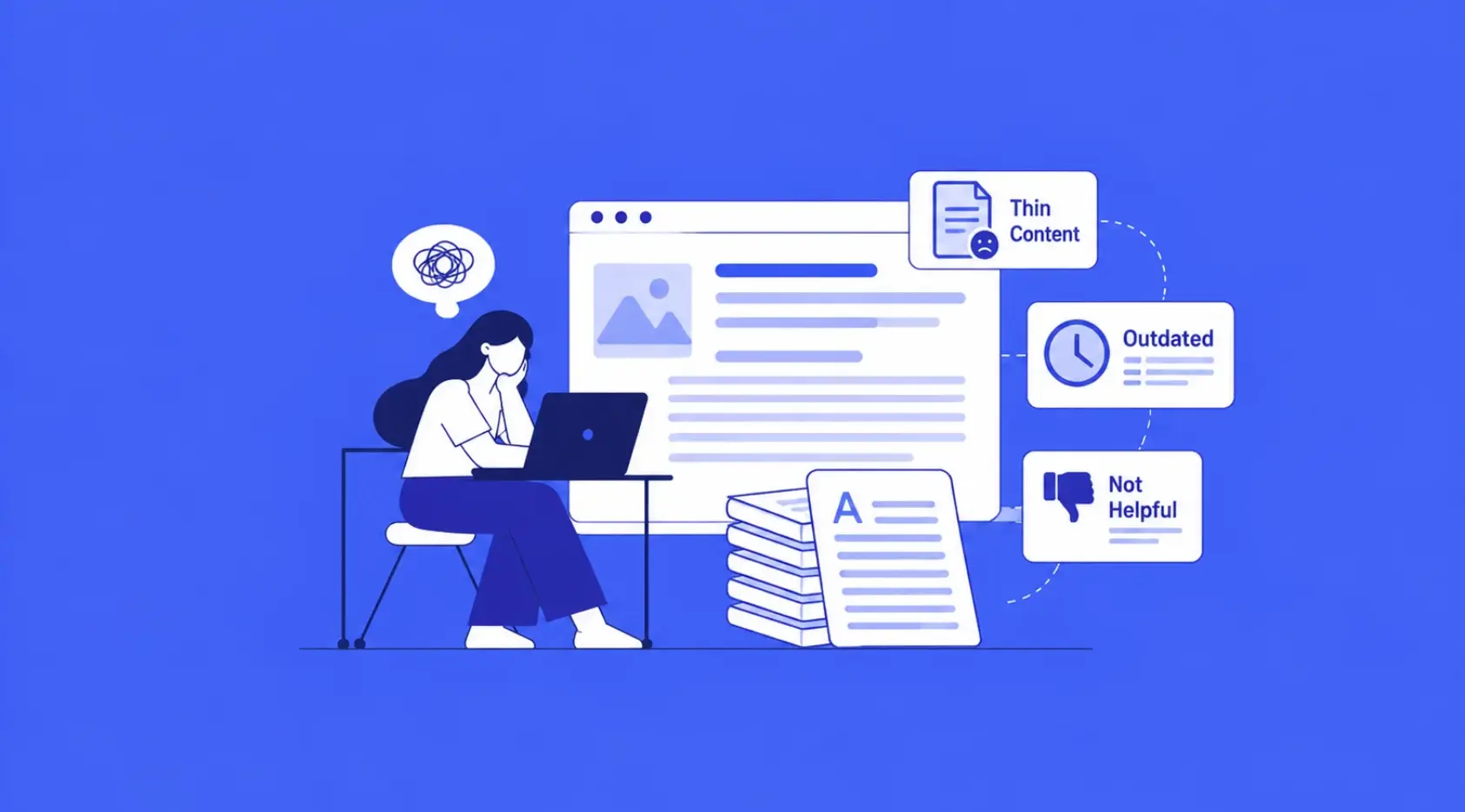
Publishing more articles does not automatically improve rankings. If your content repeats information available elsewhere without adding meaningful value, it may struggle to attract organic visibility.
Thin content is not defined by word count alone. A short page can perform well if it answers the query effectively, while a lengthy article can underperform if it contains unnecessary information.
Outdated statistics, incomplete explanations, missing examples, and unsupported claims can also reduce a page’s usefulness.
How to fix it:
- Review pages receiving impressions but few clicks or declining organic traffic.
- Update outdated information and remove irrelevant sections.
- Add original insights, examples, comparisons, or actionable recommendations.
- Answer important user questions directly.
- Consolidate overlapping articles when they serve the same search intent.
Focus on making each page genuinely useful rather than aiming for an arbitrary word count. Quality, relevance, and completeness matter more than simply publishing longer content.
4. Your On-Page SEO Is Incomplete
On-page SEO helps search engines understand what a webpage covers. Missing or poorly written title tags, unclear headings, and irrelevant meta descriptions can weaken your page’s relevance and its presentation in search results.
Common mistakes include using the same title across multiple pages, forcing keywords into every heading, and writing content without a clear structure.
How to fix it:
- Write a unique, descriptive title tag for every important page.
- Create a clear H1 heading that reflects the page’s main topic.
- Organise supporting sections using logical H2 and H3 headings.
- Write relevant meta descriptions that encourage qualified clicks.
- Optimise image file names and add descriptive alt text where appropriate.
- Include target keywords naturally in the content.
You should also ensure that each page has a clear purpose. If several pages target almost identical keywords and provide nearly the same information, review whether they need distinct positioning or consolidation.
A well-optimised page should help visitors understand the topic quickly without sacrificing readability.
5. Your Website Has Poor Internal Linking
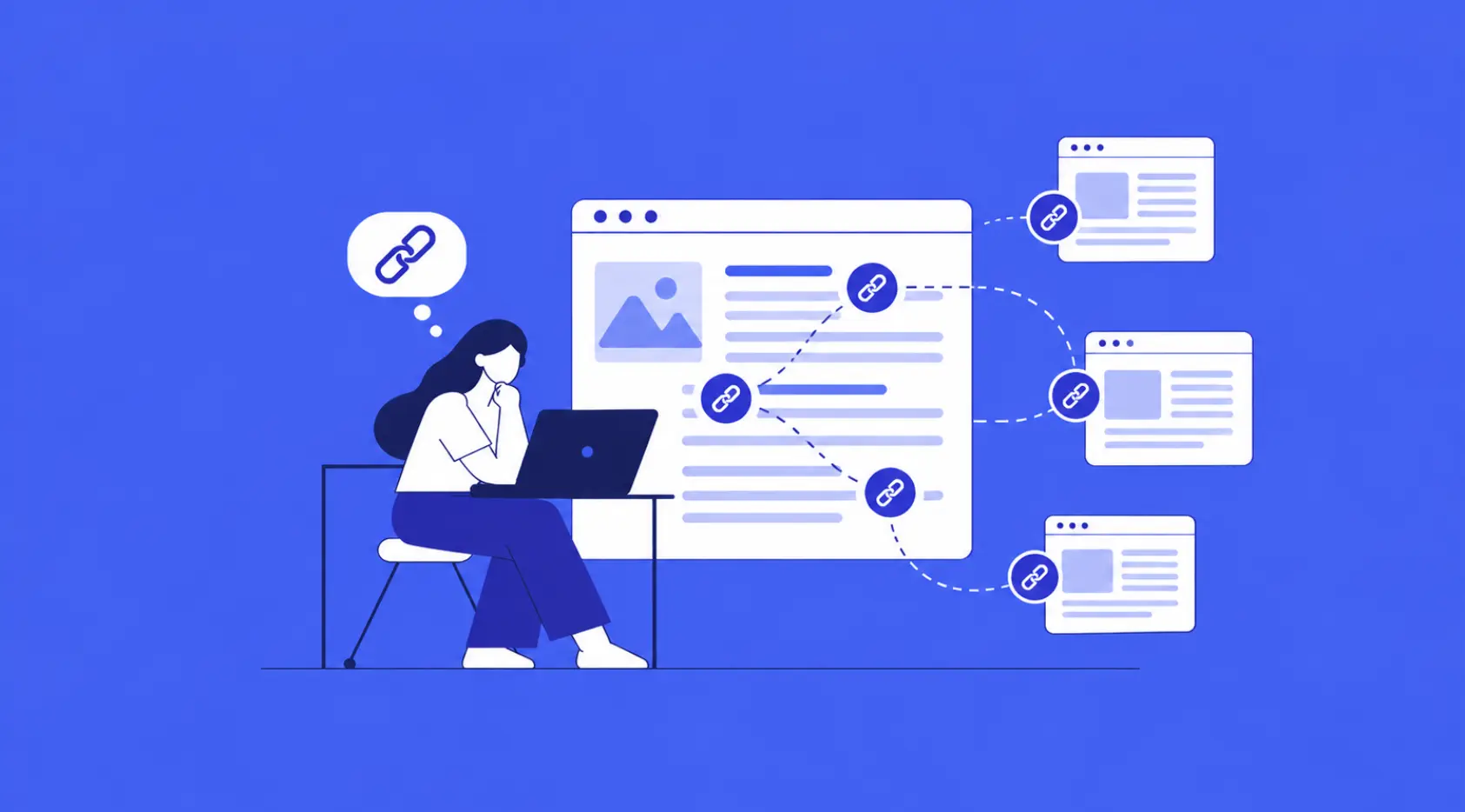
Internal links connect one page of your website to another. They help visitors discover related information and allow search engines to navigate your site’s structure.
When important pages receive few internal links, they may be harder to discover or appear less prominent within your website architecture.
For example, publishing several blogs about SEO without linking them to your main SEO service page can create missed opportunities to guide interested readers towards your services.
How to fix it:
- Link relevant blog posts to related service pages.
- Connect supporting articles to broader, authoritative guides.
- Use descriptive anchor text that explains what the destination page offers.
- Fix broken internal links and redirect chains.
- Ensure important pages are accessible through sensible navigation paths.
For instance, a blog discussing website performance can naturally link to your website development services when explaining how development decisions affect site speed, usability, and technical SEO.
Internal links should be contextually relevant. Adding links purely to increase their number can make the reading experience worse.
6. Your Website Has Weak or Irrelevant Backlinks
Backlinks remain an important consideration in SEO because links from other websites can help search engines understand a page’s reputation and authority.
However, the number of backlinks alone does not determine ranking potential. Links from relevant, credible websites are generally more valuable than large volumes of unrelated or manipulative links.
A website with limited external recognition may find it difficult to compete against established websites in a highly competitive niche.
How to fix it:
- Review referring domains and backlink quality using SEO tools.
- Identify relevant websites that may benefit from your original content or expertise.
- Publish useful resources that naturally attract citations.
- Build relationships through legitimate digital PR, industry partnerships, and relevant outreach.
- Review suspicious link patterns without assuming that every low-quality link requires disavowal.
Explore our SEO link-building services to understand how a structured approach to acquiring relevant links can support long-term organic growth.
Avoid buying large quantities of links or participating in schemes designed to manipulate rankings. Such tactics can introduce unnecessary risk.
7. Your Website Is Slow or Fails Core Web Vitals
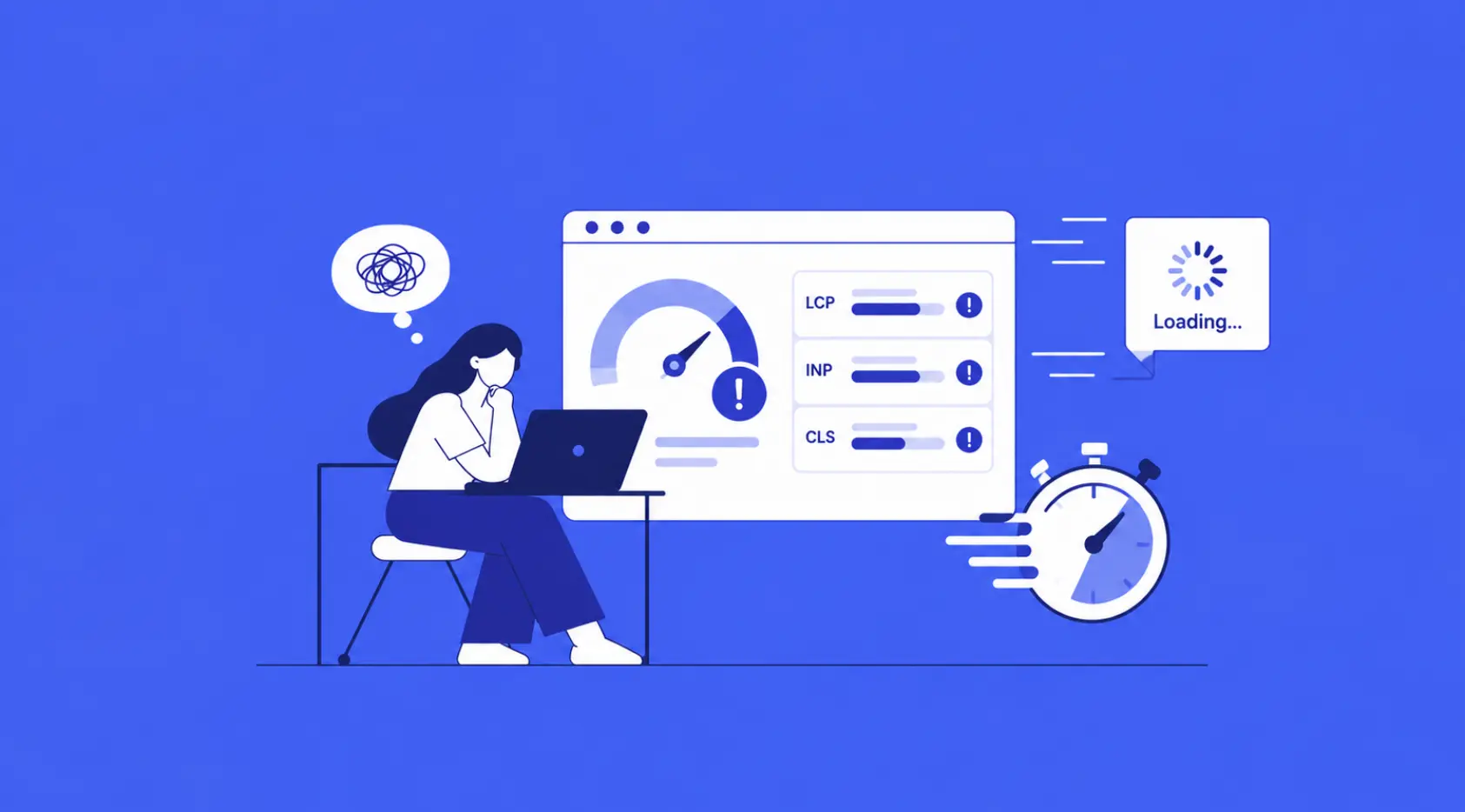
Website performance affects how easily visitors can access and interact with your content. Slow-loading pages, unstable layouts, and delayed interactions can create a frustrating experience.
Core Web Vitals measure three important aspects of user experience:
- Largest Contentful Paint (LCP): Measures loading performance.
- Interaction to Next Paint (INP): Measures responsiveness to user interactions.
- Cumulative Layout Shift (CLS): Measures visual stability.
Google uses page experience signals within its ranking systems, but good Core Web Vitals scores alone do not guarantee high rankings.
How to fix it:
- Test important URLs using PageSpeed Insights.
- Compress images and use modern formats such as WebP where suitable.
- Reduce unnecessary JavaScript and third-party scripts.
- Improve server response times and browser caching.
- Reserve space for images, advertisements, and embedded content to reduce layout shifts.
- Review mobile performance separately from desktop performance.
If your website runs on WordPress or another content management system, check whether heavy plugins, unoptimised themes, or unnecessary integrations are affecting performance.
Technical improvements should focus on actual bottlenecks rather than chasing a perfect score without considering user experience.
8. Your Website Is Not Properly Optimised for Mobile
Google primarily uses the mobile version of a website’s content for indexing. If important content is missing on mobile, pages are difficult to navigate, or key elements do not work correctly, your website may face visibility and usability problems.
A desktop-friendly website is not necessarily a mobile-friendly one.
How to fix it:
- Use a responsive layout that adapts to different screen sizes.
- Ensure text remains readable without zooming.
- Keep buttons and navigation elements easy to use.
- Avoid intrusive interstitials that obstruct content.
- Make sure the mobile version includes the same important text, links, metadata, and structured data as the desktop version.
- Test forms, menus, and other interactive elements on actual mobile devices.
Mobile optimisation is especially important for businesses whose customers research services, compare products, or make enquiries using smartphones.
If you are planning a redesign, our complete website development checklist for business owners covers several important considerations for building a functional, search-friendly website.
9. Your Website Has Technical SEO Errors
Even useful content can struggle to perform when technical problems interfere with crawling, indexing, or page interpretation.
Common technical SEO issues include broken links, incorrect redirects, duplicate URLs, conflicting canonical tags, missing XML sitemaps, and accidental noindex directives.
Website migrations and redesigns deserve particular attention because incorrect URL changes can disrupt existing organic visibility.
How to fix it:
- Crawl your website using a tool such as Screaming Frog.
- Identify URLs returning 4xx or 5xx status codes.
- Check redirect destinations and eliminate unnecessary redirect chains.
- Review canonical tags on important pages.
- Confirm that robots.txt rules do not block content you want indexed.
- Validate XML sitemaps and relevant structured data.
- Check that HTTP and HTTPS versions resolve consistently.
Prioritise errors affecting important pages instead of treating every technical warning as equally serious.
A structured website development process can help prevent many of these problems before a site launches or undergoes major changes.
10. You Are Not Tracking SEO Performance Correctly
Sometimes, a website appears to be underperforming because the business is measuring the wrong indicators.
Rankings fluctuate, different users see different search results, and some keywords generate impressions without producing meaningful traffic. Looking at a single keyword or checking rankings manually is not enough to diagnose the problem.
How to fix it:
Use Google Search Console to analyse impressions, clicks, click-through rates, average positions, and indexing status. Use Google Analytics 4 to understand organic landing-page engagement, enquiries, purchases, and other meaningful conversions.
Look for patterns:
- High impressions but low clicks may indicate a title, snippet, or search-intent mismatch.
- Declining impressions across several pages may suggest a wider visibility issue.
- Traffic without conversions may indicate a mismatch between visitors’ needs and your offering.
- Pages with declining performance may need content updates, technical checks, or a closer competitor analysis.
Compare performance across consistent date ranges and account for seasonality, algorithm updates, and changes in search demand.
SEO is an ongoing process. Regular measurement helps you decide which improvements deserve attention first.
Final Thoughts
If your website not ranking on Google, the solution starts with identifying the actual problem rather than making random SEO changes.
Check indexing first, review search intent and content quality, strengthen internal linking, evaluate backlinks, and investigate technical performance. Then use Google Search Console and GA4 to measure what changes.
Not every website will rank immediately, and no SEO strategy can guarantee a particular position. Results depend on competition, relevance, authority, technical health, and how well your pages satisfy users.
At BinaryMetrix, we understand that sustainable organic visibility requires more than adding keywords to a webpage. It requires a coordinated approach to technical SEO, content optimisation, website performance, and authority building.
If your business needs help identifying ranking issues and developing a practical improvement plan, explore our search engine optimisation services to learn how a structured SEO strategy can support your website’s long-term growth.







 +91-7982030802
  +1(315) 585-1155